
The Authorization section on the Billing tab holds the prior authorization information for transports that needed one — most often scheduled non-emergency transfers.
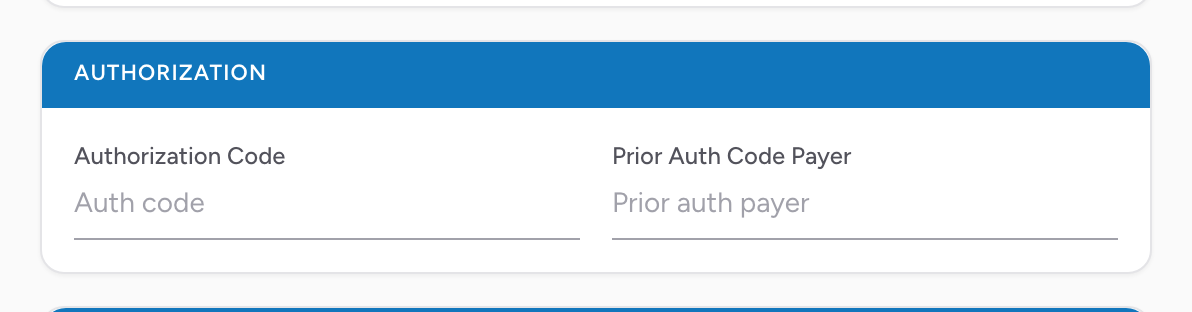
The fields
- Authorization Code — the auth number the insurance company gave you.
- Prior Auth Code Payer — which payer issued the authorization. Useful when the patient has more than one insurance and you need to tie the code to the right one.
An example
You do a scheduled non-emergency transport from a nursing home to a dialysis center. Before the call, your office got a prior authorization from the patient's insurance. They gave you the auth number. In the Authorization section, enter the Authorization Code and type the payer that issued it in Prior Auth Code Payer (the same insurance you recorded in the Insurance section). Without the auth number, the claim will bounce.
Tip: If your agency's office obtains the authorization in advance and the crew does not need to touch this field, ask your billing team for your agency's policy. Some services pre-fill this centrally.