
Where to find it
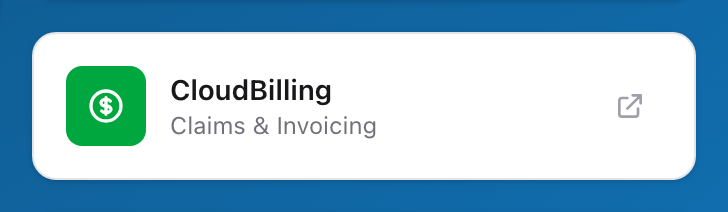
After you sign in to sso.unified-apps.com, you see the SSO dashboard. The Billing card sits among the other Unified Solutions app cards. Look for the name Unified Billing with the tag line Claims & Invoicing under it. You can also click the menu icon to open the application search and type Billing to find it.
Opening the app
Click the open arrow in the corner of the Billing card. Clicking the middle of the card does nothing; the arrow is the button. You land on the Billing dashboard, signed in and ready to work.
If you do not see the card
Your agency administrator controls which apps you have access to. If the Billing card is missing from your SSO dashboard, ask your administrator to check your account permissions.