
How to get to Billing
You reach the Billing app the same way you reach every Unified Solutions app: through the SSO dashboard.
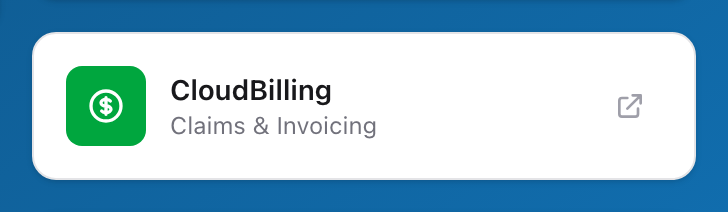
- Open your browser and go to sso.unified-apps.com.
- Enter your email. A banner appears showing which organization you are signing in to. If your account belongs to more than one, click Change to pick a different one.
- Enter your password, then click Sign In.
- On the SSO dashboard, find the Billing card and click the open arrow in its corner.
You land on the Billing dashboard, already signed in. You do not need a separate username or password for Billing.
Switching agencies
If your account covers more than one agency, use the Agency dropdown at the top of the Billing app to switch. Every page updates to show the agency you picked, with its own claims, payers, and settings. You do not need to sign out.
Belonging to more than one organization is different: sign out, sign back in, and use the Change button on the sign-in page to pick the other one.
Tips
- Bookmark sso.unified-apps.com so you can get there quickly each morning.
- If you forget your password, use the Forgot password? link on the sign-in page. Check your spam folder if the reset email does not arrive within a few minutes.
- You stay signed in across all Unified Solutions apps during your session. Opening CloudPCR or another app does not sign you out of Billing.