
What crew credentials are
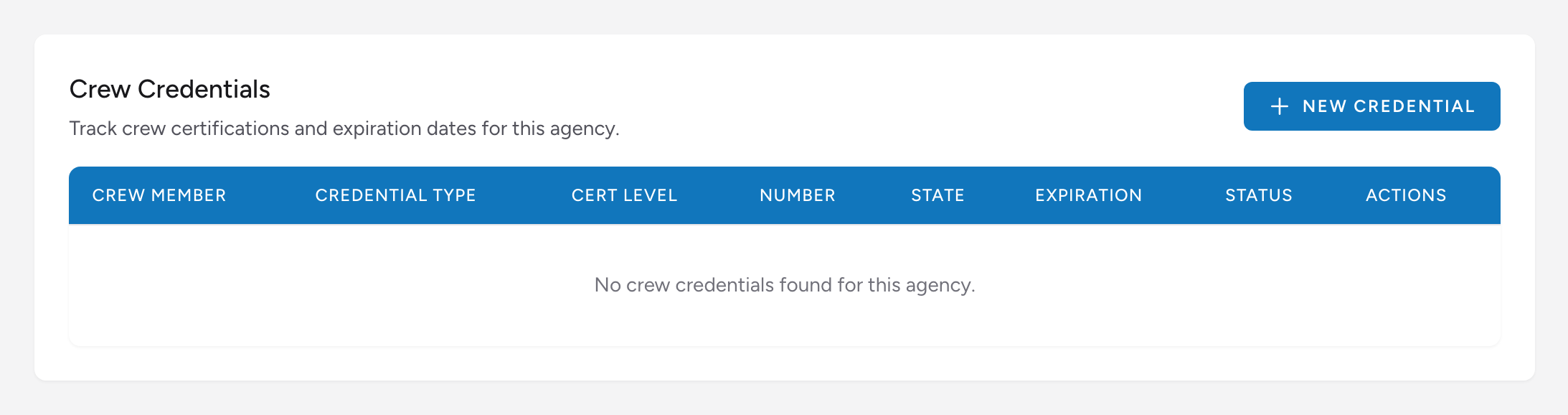
Crew credentials are the licenses and certifications your agency tracks for its providers: state EMS license, NREMT certification, EVOC, CPR, ACLS, PALS, BTLS/PHTLS, driver's license, medical director credentials, background check, and so on. Billing stores these per agency so you have a record for credentialing and audit purposes.
Before you start: Crew credentials live in Settings, which only company admins can open. If you do not see Settings in the menu, ask your admin.
Where to find it
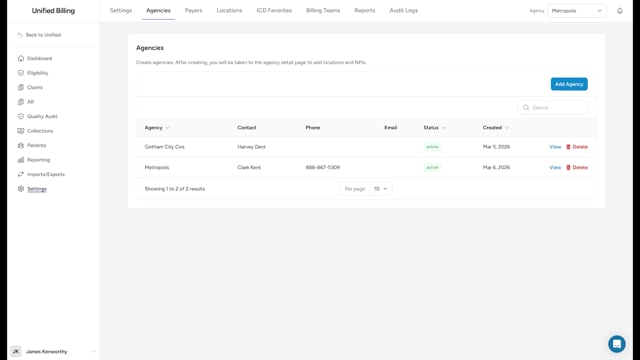
- Go to Settings → Agencies and click View on the agency.
- Open the Credentialing tab.
Adding a credential
- Click New Credential.
- Fill in the form: Crew Member Name, Employee ID, Credential Type (from the built-in list), Certification Level, Credential Number, Issuing State, Issue Date, Expiration Date, Status (Active, Inactive, Expired, or Revoked), and Notes.
- Click Create.
Keeping credentials current
The table color-codes the Expiration column so lapses stand out: dates within 60 days show in amber with a day count, and past dates show in red with an expired marker. When a crew member renews a license, click Edit on the row, update the Expiration Date, and click Update. If the credential lapses, flip the Status to Expired so it is obvious at a glance.
Example
Paramedic Sarah Johnson renews her state paramedic license. Open the agency's Credentialing tab, find Sarah's "State EMS License" row, click Edit, update the credential number and new expiration date, and click Update. The record is now current for your next audit.
Tips
- Set a calendar reminder to review credentials a month before they expire. Expired credentials on staff is a common audit finding.
- If a crew member holds multiple certifications (state license, NREMT, ACLS, and so on), add a row for each so every expiration can be tracked independently.