

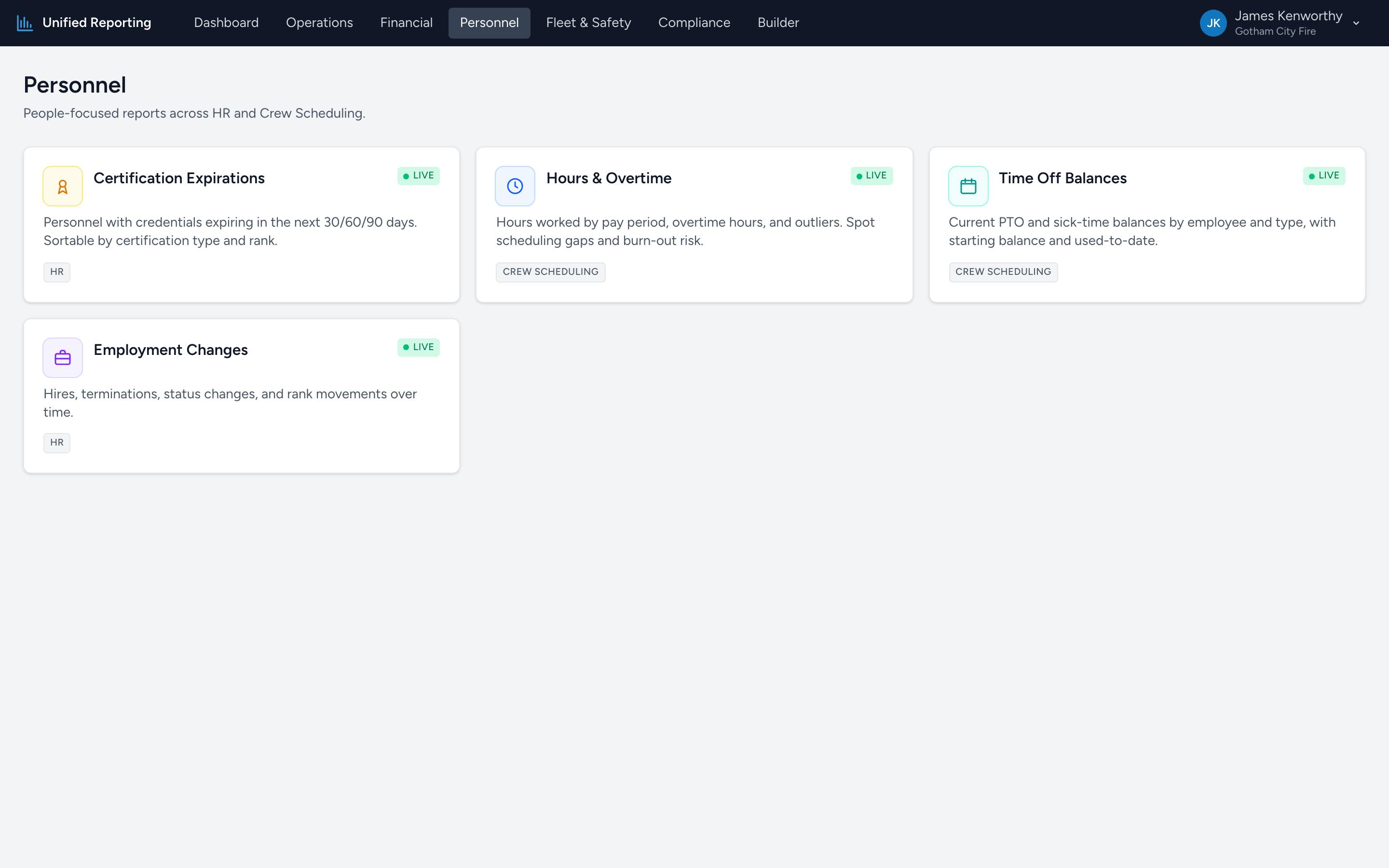
Personnel is the people side of Analytics. Where Operations answers "how is the agency running?", Personnel answers "how are our people doing?" Four reports live here today.
What is in Personnel
- Certification Expirations — every approved credential by employee, with days remaining and a colored bucket badge (Expired, 0–30, 31–60, 61–90, >90).
- Hours & Overtime — hours worked per pay period by employee, with regular, overtime, and time-off hours separated out and a configurable overtime threshold.
- Time Off Balances — current balance per employee per time-off type, plus how much was used.
- Employment Changes — hires, terminations, status transitions, and position changes over a chosen window.
Where the data comes from
Two sources feed these reports:
- HR — Certification Expirations and Employment Changes use HR's record of every employee's credentials and employment history.
- Crew Scheduling — Hours & Overtime and Time Off Balances pull from Crew Scheduling's timecards and accrual records.
What is on every Personnel report
All four Personnel reports use the same grid behavior:
- A search box at the top of the grid for quick lookup by name, employee number, or any visible field.
- A filter row directly under the column headers for narrowing one column at a time.
- Header filters — click the funnel on a column header to pick specific values to include.
- Export — a button at the top right exports the visible grid to Excel.
- Drag-and-drop column reordering and column resizing.