

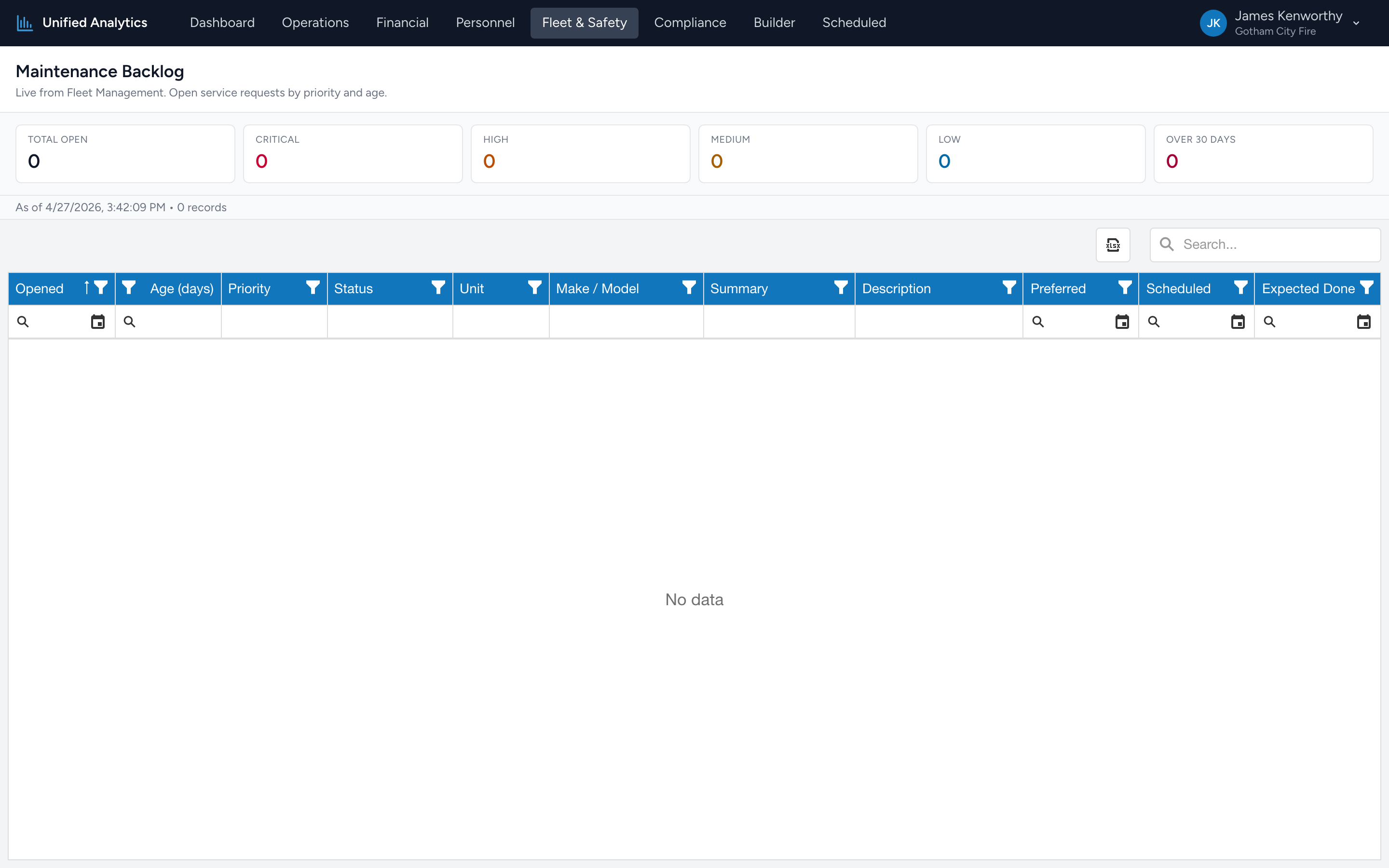
Maintenance Backlog lists every open service request from Fleet Management, bucketed by priority and aged in days. Use it to drive the morning huddle: what is critical, what has been sitting too long, and what is on the schedule today.
How to use it
- Open Fleet & Safety → Maintenance Backlog.
- The report opens with all open requests for the agency. There is no date range — backlog is "as of right now."
- The summary tiles roll up counts by priority. The grid below lists every individual request.
The summary tiles
- Total Open — every open service request.
- Critical / High / Medium / Low — counts split by priority.
- Over 30 Days — requests that have been open more than 30 days. The bucket to act on first.
The grid
Columns: Opened, Age (days), Priority, Status, Unit, Make / Model, Summary, Description, Preferred, Scheduled, Expected Done.
Tips
- Sort by Age desc to surface the oldest open items.
- Filter Priority = Critical for the morning huddle. Combine with Age > 7 for "what is critical and not getting done."
- Watch Scheduled vs Expected Done. If Scheduled is filled in but Expected Done is in the past, the appointment slipped — chase it.
- The same vehicle showing up repeatedly in the grid is usually a sign of an underlying issue worth investigating, not a one-off.
Where the data comes from
Fleet Management is the system of record. Every service request created or updated there feeds this report immediately — there is no nightly batch.