
If something is not working right, you have an idea for a new feature, or you see something that could be better, you can send feedback directly from the app.
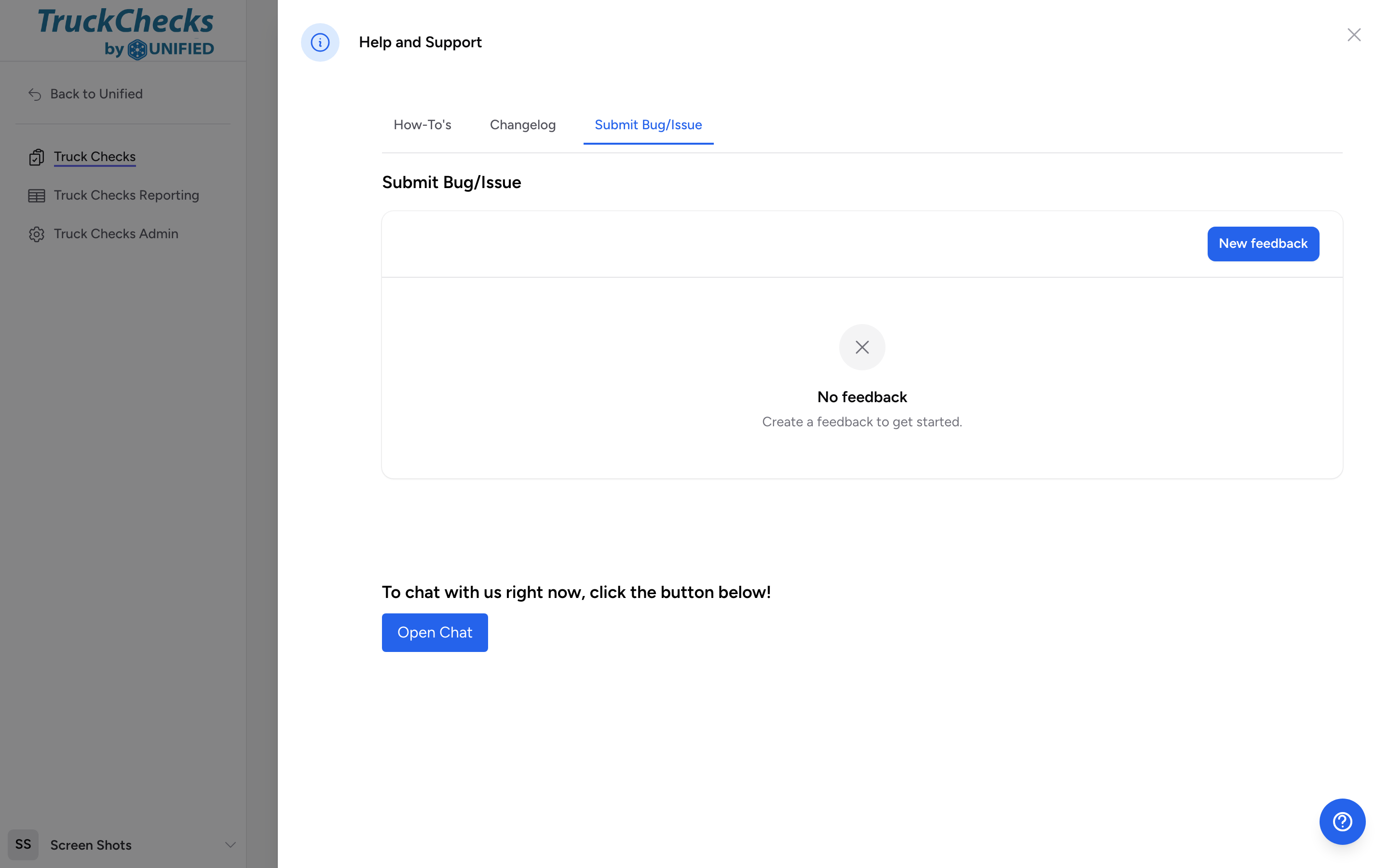
How to submit feedback
- Click the blue question-mark icon in the bottom-right corner of any page.
- The Help and Support panel opens. Click the Submit Bug/Issue tab.
- Click the button above the feedback table to open the form.
- Pick a Feedback Type:
- Bug/Issue -- something is broken or not working as expected.
- Feature Request -- something you wish the app could do that it currently does not.
- Improvement -- something that works but could be better.
- Enter a short Title summarizing the issue.
- Fill in the Description. For bug reports, include what you were doing, what you expected to happen, and what actually happened.
- Submit the form.
Tips for helpful bug reports
- Be specific. "The checklist broke" is hard to investigate. "I clicked Pass on the tire pressure item in the Engine checklist and the screen went blank" gives the team something to work with.
- Include the vehicle, the profile, and the step you were on.
- If the problem happens every time, say so. If it only happened once, say that too.
What happens after you submit
Your feedback is logged and reviewed by the development team. Bug reports are prioritized by severity. Feature requests and improvements are collected and considered for future updates.