

Where to go
Open your browser and go to sso.unified-apps.com. This is the sign-in page for every Unified Solutions app. You do not need to go to each app separately — signing in here gives you access to all of them.
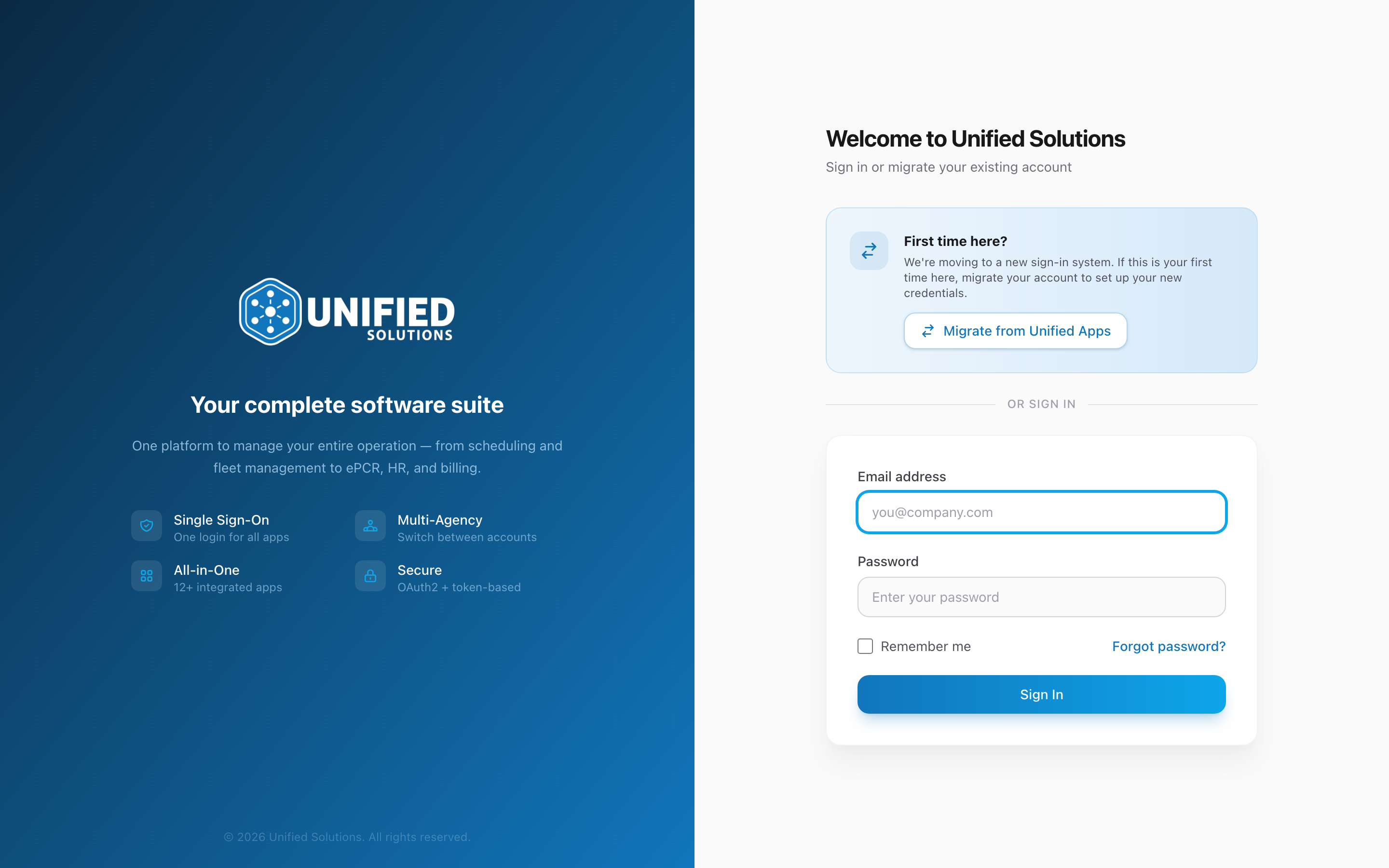
Step by step
- Enter the email address your agency has on file for you.
- If your account belongs to more than one agency, a Logging into banner appears showing which one is selected. Click Change to pick a different one.
- Enter your password.
- Click Sign In. You go straight to the dashboard.
What you see after signing in
The dashboard is the first thing you see. It shows a tile for each app your agency uses — CloudPCR, Fire, Dispatch, and others. Each tile may show a count of items that need your attention. Click any tile to open that app, already signed in.
Tips
- Bookmark sso.unified-apps.com so you can get there fast.
- If you mistype your password three times, your account is not locked. Just slow down and try again carefully.
- Your email is not case-sensitive.
jsmith@example.comandJSmith@Example.comboth work.