

When you might need this
If your name was entered incorrectly when your account was created, or if your legal name has changed, you can fix it yourself.
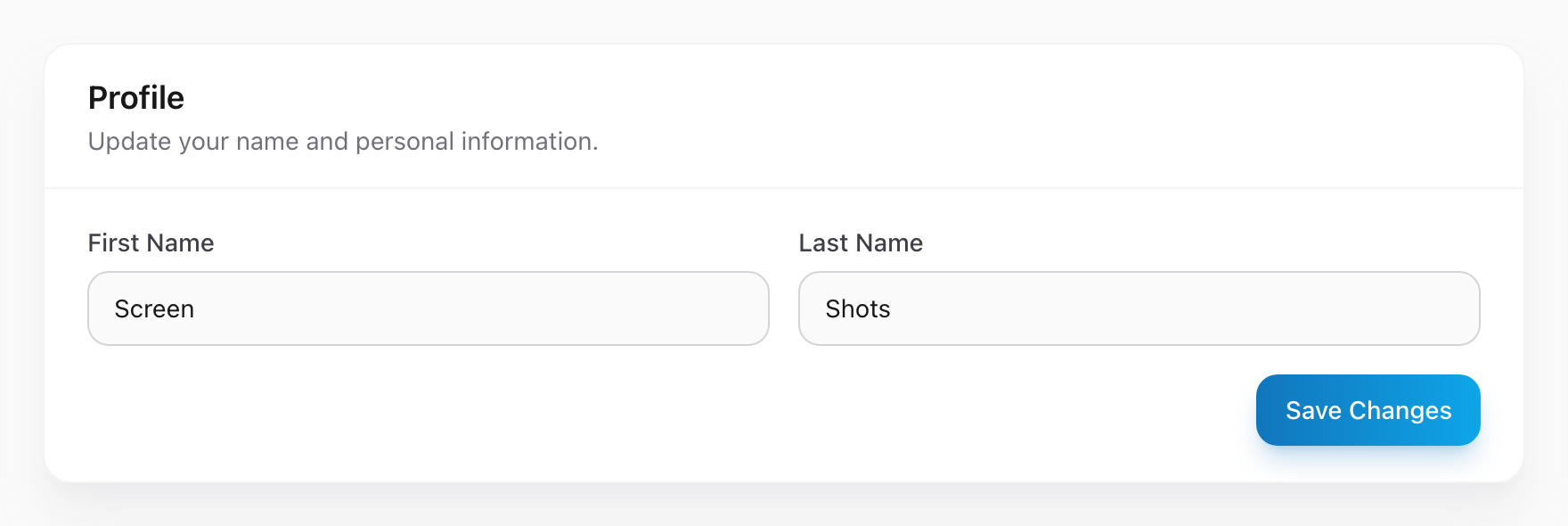
Step by step
- Click your name in the menu.
- Click My Settings.
- Find the First Name and Last Name fields.
- Update them to your correct name.
- Click Save Changes.
Where your name shows up
Your name appears in the menu on every Unified Solutions app, on any reports or records you create, and in notification messages sent to other users. When you change it here, it changes everywhere.
A note about legal names
If your agency requires your legal name for compliance or certification records, make sure you enter it exactly as it appears on your credentials. Some state reporting systems match names character for character.