
You reach Hydrants the same way you reach every Unified Solutions application: sign in once, then pick the application from your dashboard.
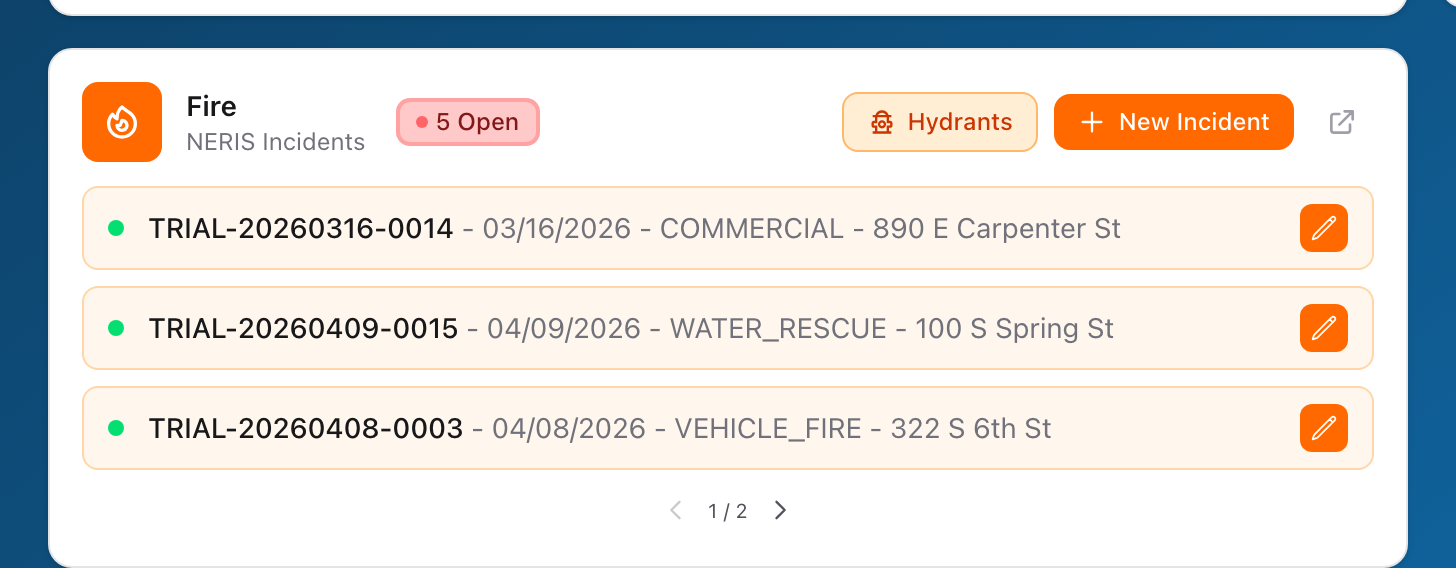
Step by step
- Open your browser and go to the Unified Solutions sign-in page.
- Enter your email and password.
- If your account belongs to more than one agency, choose the agency you want to work in.
- You will land on the Unified Solutions dashboard. This is the home screen for all of your applications.
- Find the Hydrants widget and click it.
- The application opens and you land on the hydrant map, ready to work.
Why go through the dashboard
The dashboard keeps you signed in across all of your applications. If you bookmark the Hydrants address directly and skip the dashboard, you may have to sign in twice and you will miss alerts from your other applications.
Forgot your password
Click Forgot password? on the sign-in page. You will receive an email with a link to set a new password. The link expires after one hour, so use it right away.
If your account belongs to more than one agency, you pick which one to work in when you sign in. To switch to a different agency, sign out and sign back in, then choose the other agency.