
What this step covers
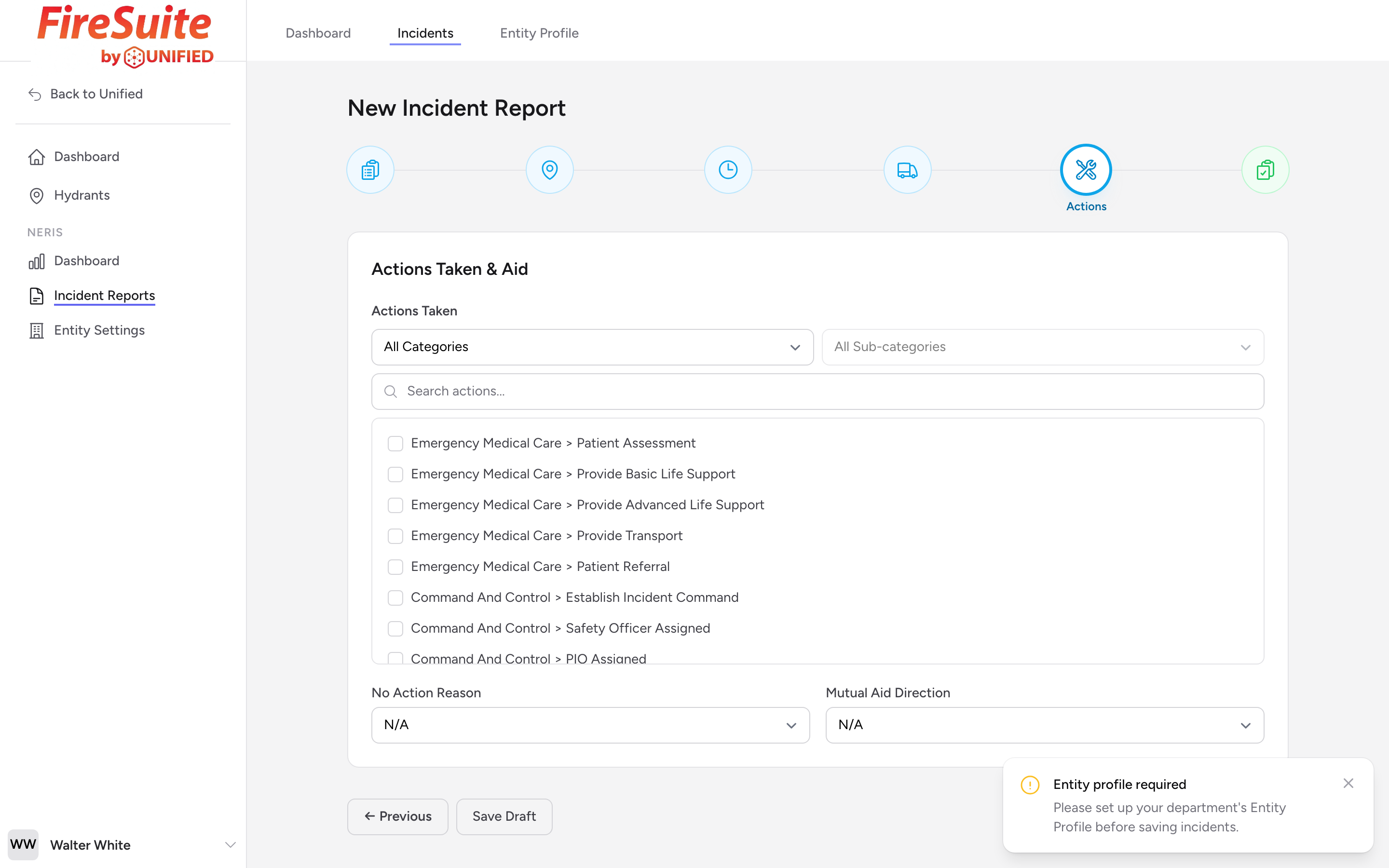
The Actions Taken & Aid step records what your department did at the scene and whether you gave or received help from another department.
Actions Taken
Select one or more actions from the checkbox list that describe what your crews did. Use the category and sub-category dropdowns or the search box at the top to narrow the long list down. Pick everything that applies.
No Action Reason
If your department did not take any action (for example, because the call was canceled before arrival), pick the reason from the No Action Reason dropdown instead of choosing actions.
Mutual Aid Direction
If another department helped you, or if you helped another department, pick a value from the Mutual Aid Direction dropdown:
- Aid Given -- You sent units to help another department.
- Aid Received -- Another department sent units to help you.
Example
Your department responds to a large brush fire and calls for mutual aid from County Fire. You set Mutual Aid Direction to Aid Received. For Actions Taken, you might check fire suppression, establishing a water supply, and exposure protection.