
When you add a procedure to a PCR, the picker first shows the procedures your agency configured in Demographics. If you need something that is not in your agency list, CloudPCR falls back to the national SNOMED procedure list so you can still find it.
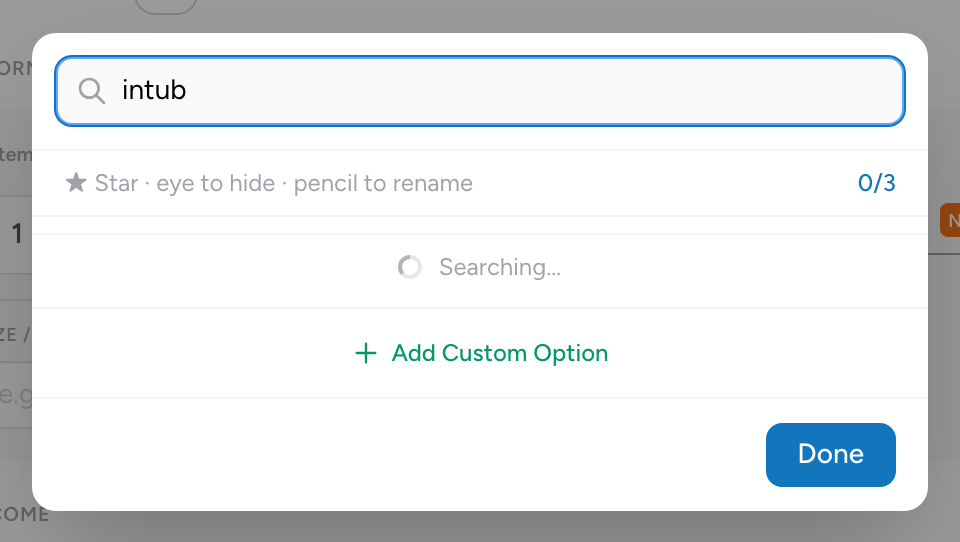
How to search
- Click in the procedure field.
- Type the first few letters of the procedure.
- Matching results from your agency list appear first. Keep typing to see additional SNOMED results if nothing in the agency list matches.
- Pick the right one.
Tips
- Search by what you did, not by the medical term. "Splint" finds splinting procedures.
- If your first search does not find what you need, try a different word. "Tube" might not find what you want, but "intubation" will.
- For procedures with subtypes (peripheral IV, central IV, IO), all options show in the list. Pick the one you actually did.