
This section on the Outcome tab captures two related things: the alerts you called ahead to the receiving facility, and the protocols you followed during the call.
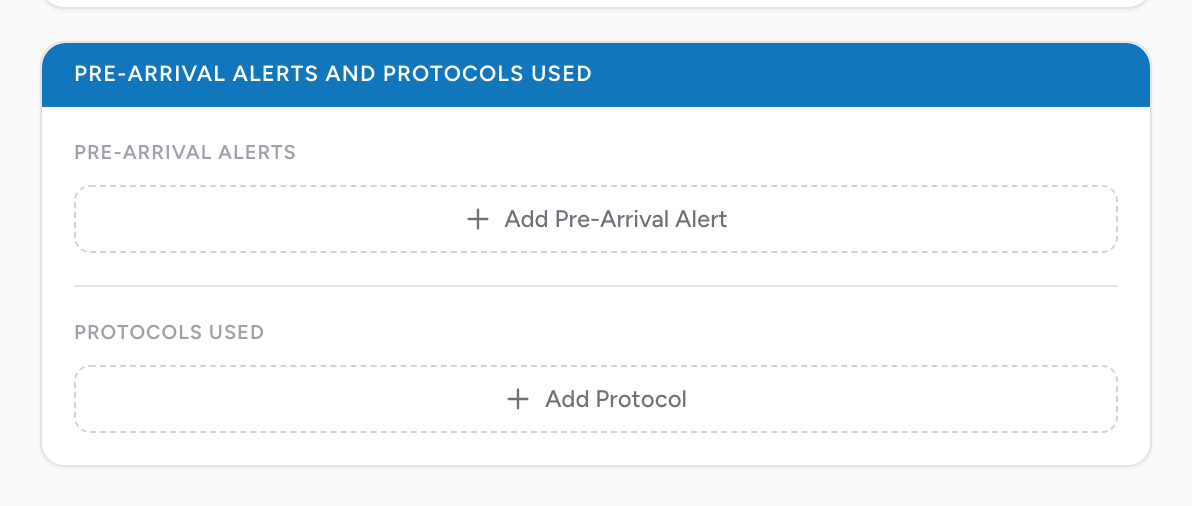
Pre-Arrival Alerts
For each alert you called ahead, click Add Pre-Arrival Alert and fill in two fields:
- Pre-Arrival Notification Type — pick from the NEMSIS list (includes STEMI, Stroke, Trauma, Cardiac Arrest, Sepsis, Obstetrics, Pediatric Trauma, and Other).
- Date / Time of Pre-Arrival Alert — when you called the alert.
You can add as many alerts as the call required. Each alert has an NV button on the date / time if the time was not recorded.
Calling an alert ahead lets the hospital prepare — activating the cath lab, calling the stroke team, getting the OR ready. Documenting it on the PCR ties your call to the receiving facility's response time.
Protocols Used
For each protocol you followed, click Add Protocol, then pick two fields:
- Protocol — pick from your agency's protocol list.
- Age Category.
You can add as many protocols as the call required.
An example
You diagnose a STEMI on your 12-lead and call a STEMI alert to the receiving cardiac center 10 minutes out. You followed your agency's Acute Coronary Syndrome protocol. In this section, click Add Pre-Arrival Alert, pick the STEMI notification type, enter the alert time, then click Add Protocol, pick the Acute Coronary Syndrome protocol with the adult age category. The receiving hospital's STEMI registry can now connect their cath lab activation time to your alert call.