
The Parent / Guardian / NOK section records someone other than the patient who can be contacted about the call — most often for minors (parents/guardians) and unresponsive adults (next of kin).
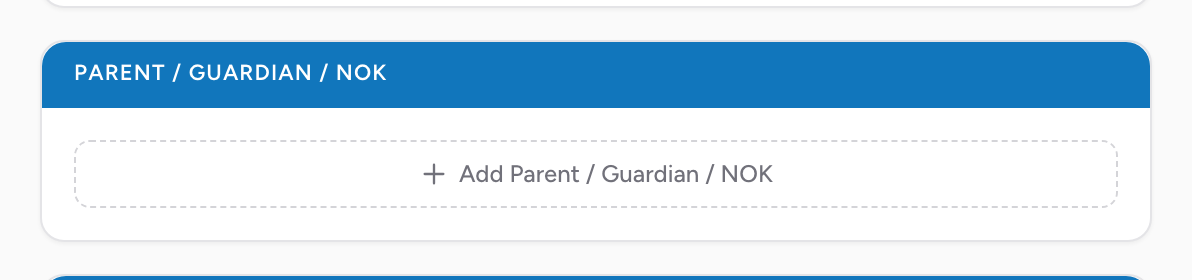
How to open the section
The section starts collapsed when there is no NOK data. On the Patient tab, click Add Parent / Guardian / NOK to expand it. Click Remove at the top of the section to collapse it again.
Name and relationship
- Last Name, First Name, Middle Name.
- Relationship — pick the person's relationship to the patient from the list.
Address
Their home address, if you have it. Uses the same address lookup as the scene and home addresses.
Contact
Add one or more phone numbers, each with a type you pick from the list. Click Add phone number to record additional ones.
An example
You respond to a 6-year-old having a seizure at school. The school nurse hands you the parent's phone number on a sticky note. Add the parent: pick the relationship from the list, enter her name, and enter the phone number. Call her on the way to the hospital. The phone number stays on the PCR for the receiving facility to use.