
Anywhere CloudPCR asks for a medication — on the Timeline tab when you add a medication you gave, on the Patient tab when you record what the patient takes at home — the field opens a searchable picker of every medication your agency has configured in Demographics.
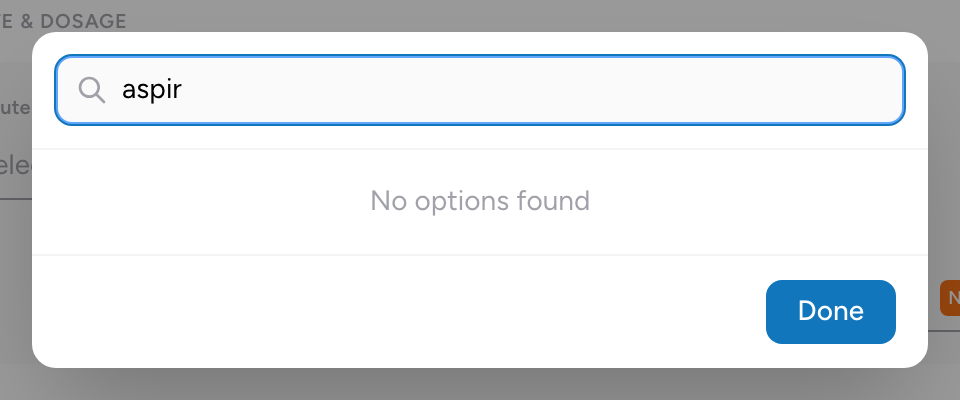
How to search
- Click in the medication field.
- Type the first few letters of the medication name.
- A list of matches appears.
- Pick the right strength and form.
Tips
- Search matches the medication name as your agency configured it in the formulary.
- If a medication has multiple strengths or formulations, every variation your agency added shows in the result. Pick the one that matches what you actually used.
- The list is your agency's formulary — the medications your administrator configured in Demographics. If you cannot find a medication, double-check spelling (try the generic name if the brand name does not match), then ask your administrator to add it if it is genuinely missing.
An example
You give 100 mcg of fentanyl IV. You type "fent" in the medication search. The list shows several fentanyl options. You pick "Fentanyl 50 mcg/mL injection." Then you enter the dose as 100 mcg. Done.