
The Hospital Outcome section records what happened to the patient at the destination facility — ED and hospital outcomes, any procedures performed, and the admission and discharge times that tie your EMS call to the downstream care.
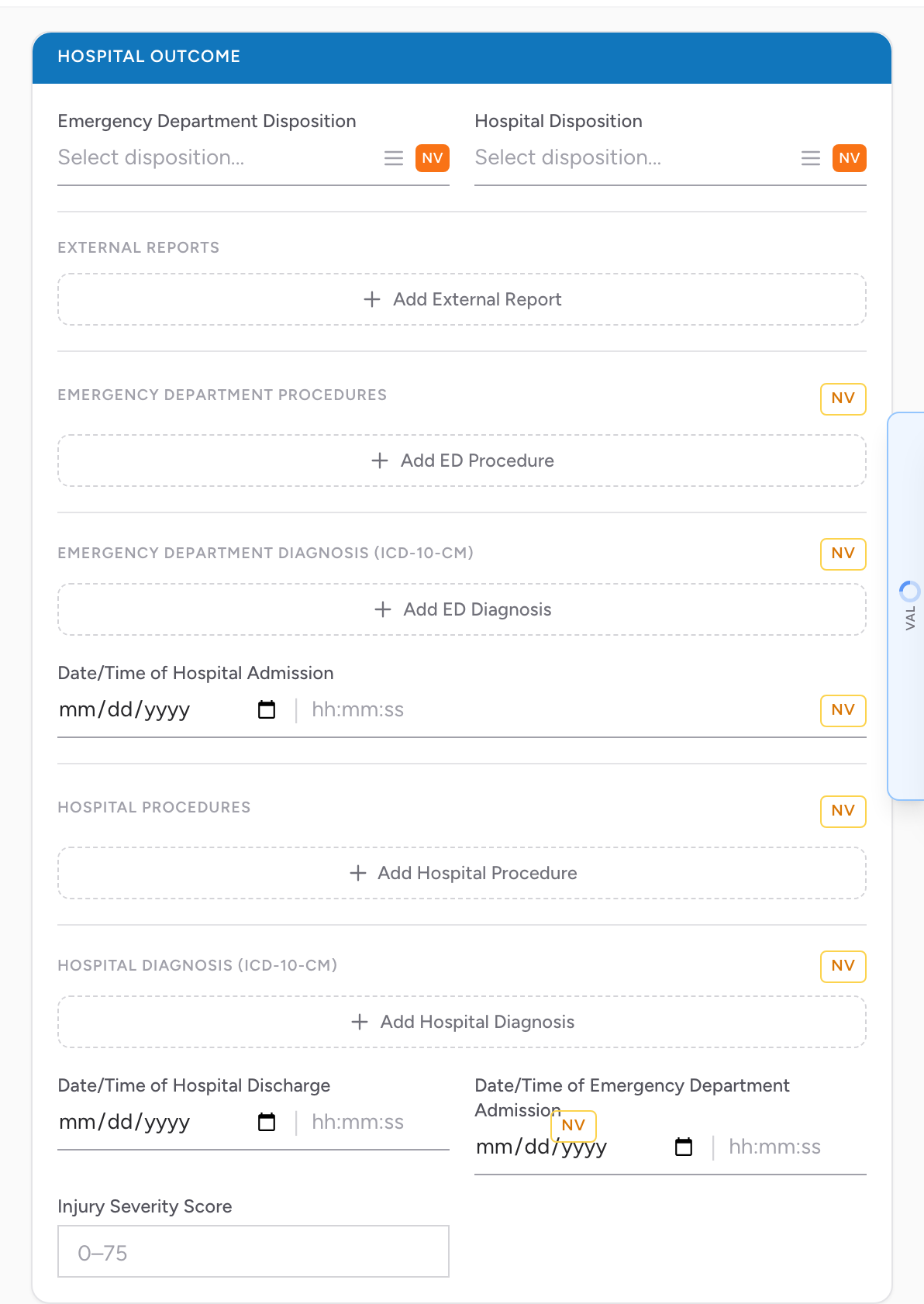
Dispositions
- Emergency Department Disposition.
- Hospital Disposition.
External Reports
If the receiving facility assigns an external report number (for a trauma registry, stroke registry, etc.), click Add External Report and fill in:
- External Report ID/Number Type.
- External Report ID/Number.
- Other Report Registry Type — free text if the type is "Other".
Emergency Department Procedures
Procedures performed in the ED, searched by ICD-10-PCS code. Each entry captures the procedure code and the date/time it was performed. Mark the whole subsection NV (Not Applicable / Not Recorded) if none were performed.
Hospital Procedures
Same shape as ED Procedures, but for procedures performed after hospital admission. ICD-10-PCS code plus date/time. Mark NV if not applicable.
Emergency Department Diagnosis
The diagnoses the ED gave the patient, searched by ICD-10-CM code. Click Add ED Diagnosis for each one.
Hospital Diagnosis
The diagnoses recorded after hospital admission, also searched by ICD-10-CM code. Click Add Hospital Diagnosis for each one.
Times
- Date/Time of Hospital Admission.
- Date/Time of Hospital Discharge.
- Date/Time of Emergency Department Admission.
Each time field has an NV button if the exact time is not known.
Agencies with the Injury Severity Score feature turned on also see an Injury Severity Score field (0 to 75). Agencies with the ET3 feature turned on also see an ET3 Alternative Disposition Offer and Result field for recording an ET3 treat-in-place or alternative-destination decision.
Why this matters
Most of what goes here is filled in after the EMS call ends, often by a QA reviewer or registry coordinator who has access to the receiving hospital's records. Capturing ED and hospital dispositions, procedures, and admit/discharge times is what lets your agency tie prehospital care to downstream outcomes for performance measures like STEMI, stroke, and trauma.