
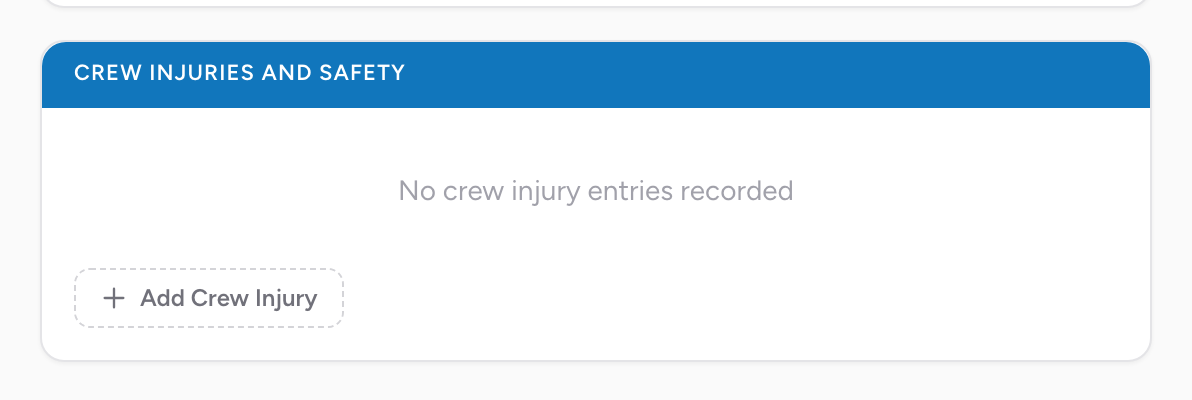
The Crew Injuries and Safety section is where you record any work-related injury or exposure that affected a member of the crew during the call. It is a repeating section — one entry per crew member affected.
How it works
Click Add Crew Injury. A modal opens with four fields:
- Crew Member — pick from the crew on this PCR.
- Suspected Exposure / Injury / Death.
- Personal Protective Equipment Used — multi-select.
- Type of Work-Related Injury / Exposure — multi-select.
Click Save. The entry appears in the list on the Outcome tab. You can edit or delete any entry from the list. Add one entry per crew member who was injured or exposed.
Why this matters
For workers comp and OSHA reporting, your agency needs an official record of every exposure or injury the moment it happens. The PCR is the right place because it ties the event to the exact time and call. Documenting later from memory is harder and less accurate.
Related billing step
If the injured crew member is filing a workers comp claim, make sure the Patient Employer section has the agency's information when it comes time to bill that claim.
An example
While moving the patient, you get stuck with a needle. After the patient is transferred, click Add Crew Injury, pick yourself, pick the matching exposure, record the PPE you were using and the type of work-related exposure, and save. Your agency safety officer sees it the next day and starts the workers comp paperwork.