

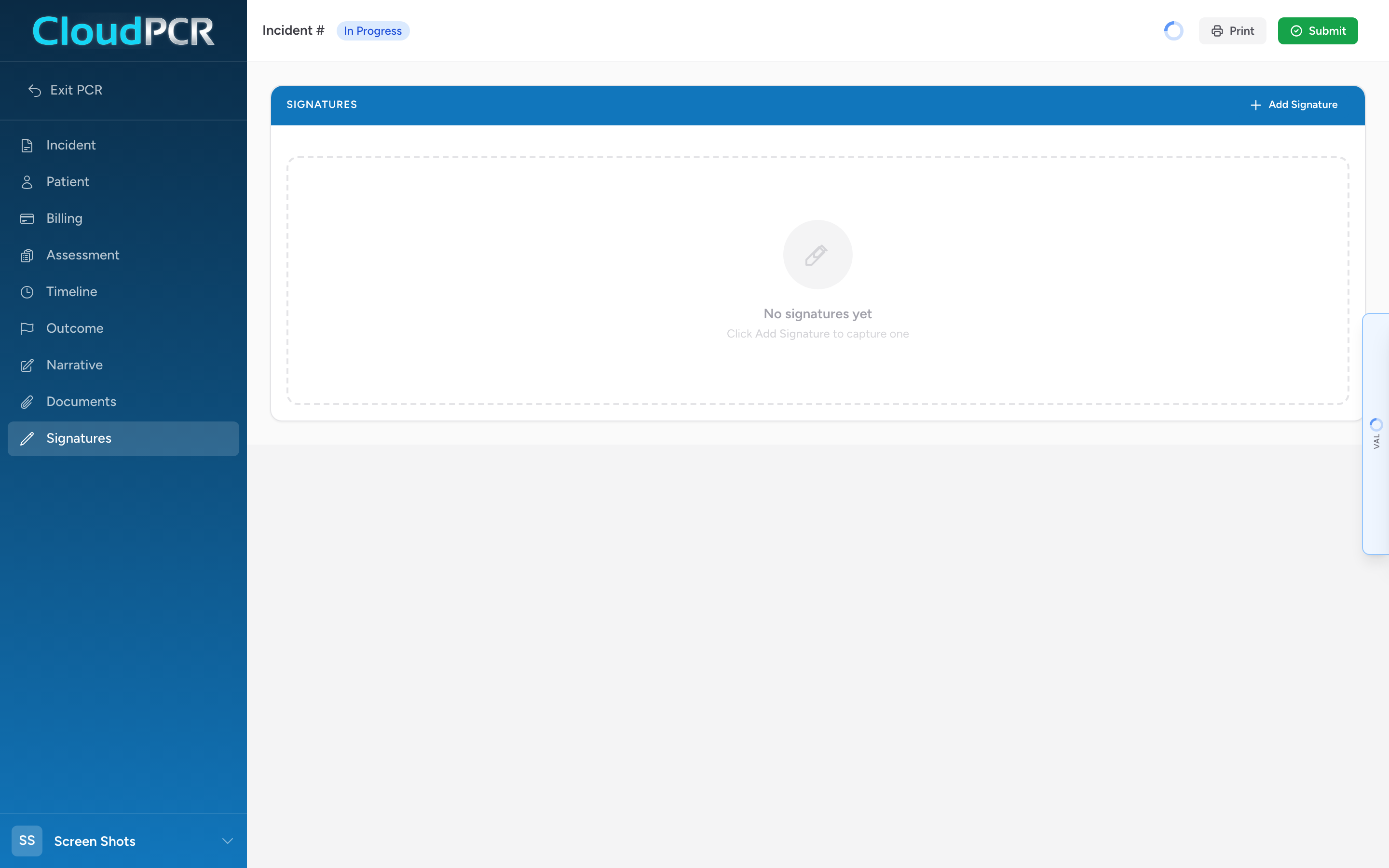
The Signatures section is where you capture every signature the call needs. CloudPCR uses a touch signature pad, so anyone can sign with a finger or a stylus. Each signature is its own entry — you add one entry per person who signs.
Who usually signs
- Lead provider — required on every PCR before you submit.
- Patient or representative — for billing acknowledgement, or for a refusal.
- Witness — for a refusal.
- Receiving provider — the nurse or doctor who took report at the destination.
How to add a signature
- On the Signatures section, click Add Signature. A new signature card appears.
- On the left side of the card, fill in the signer details:
- Type of Person Signing — patient, patient representative, receiving provider, witness, etc.
- Type of Patient Representative — fill in if the signer is a representative (parent, spouse, guardian, power of attorney).
- First Name and Last Name.
- Signature Reason — check every reason that applies (consent for treatment, billing acknowledgement, refusal of care, etc.).
- Signature Status — usually Signed. Pick Unable to Sign with the appropriate reason if the person cannot.
- On the right side of the card, the person signs with their finger or a stylus on the Sign Here pad.
- Click Accept Signature. The pad locks and shows the captured signature with a green Signature Captured badge.
Correcting a signature
Before you accept, click Clear to wipe the pad and try again. After you accept, click Re-sign on the card to reopen the pad and capture a new signature.
When the signer cannot sign
If the patient cannot physically sign (unconscious, intubated, critically injured), fill in the signer details, set Signature Status to the appropriate reason (patient unable, patient refused, etc.), and click Save Entry Without Signature. The entry saves the reason without a signature image.
Tips
- Hold the tablet steady while the patient is signing. People often sign poorly when the screen is wobbling.
- For refusals, get both the patient signature and a witness signature on the spot — add two signature entries, one for each.
- For unconscious patients, the family member or healthcare proxy can sign as the patient representative. Pick the right Type of Patient Representative so the record is complete.