
The Call Type section is the first thing you set on a new PCR. It labels the call and drives which fields are shown or required for the rest of the form.
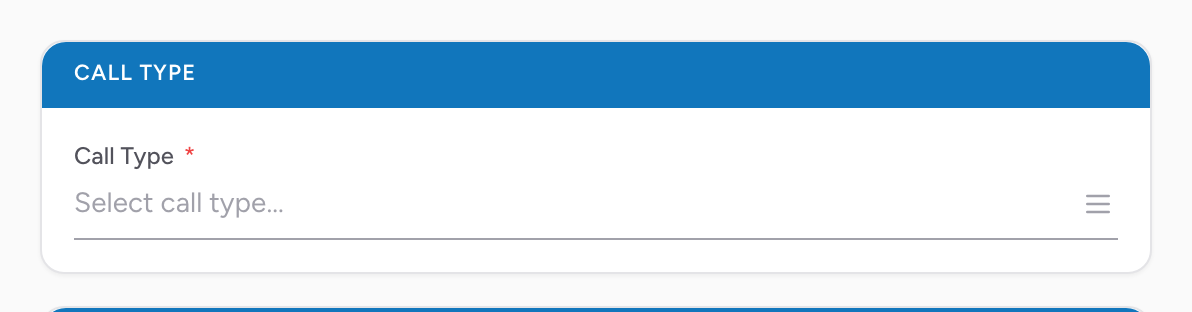
How to pick a call type
- Open the PCR on the Incident tab.
- In the Call Type section, pick the call type that best matches the call you are on.
- That's it — the selection saves automatically.
Why the call type matters
Each call type comes with its own built-in rules about which NEMSIS elements should be shown, hidden, or required. Picking the right call type up front means you only see the fields that apply to the kind of call you are on — for example, a cancelled call hides the treatment and transport sections that don't apply.
An example
You start a PCR for what looks like a standard 911 call and pick the matching call type. Later in the day you do a hospital-to-hospital transfer and you start a new PCR, this time picking the interfacility transfer call type. The form shifts to surface the fields that matter for a transfer and hide the ones that only apply to 911 calls.
Tip: Your agency's call type list combines a shared catalog with call types your own agency has added. If a call type you need is missing, an administrator at your agency can add it from your agency's call type settings.