

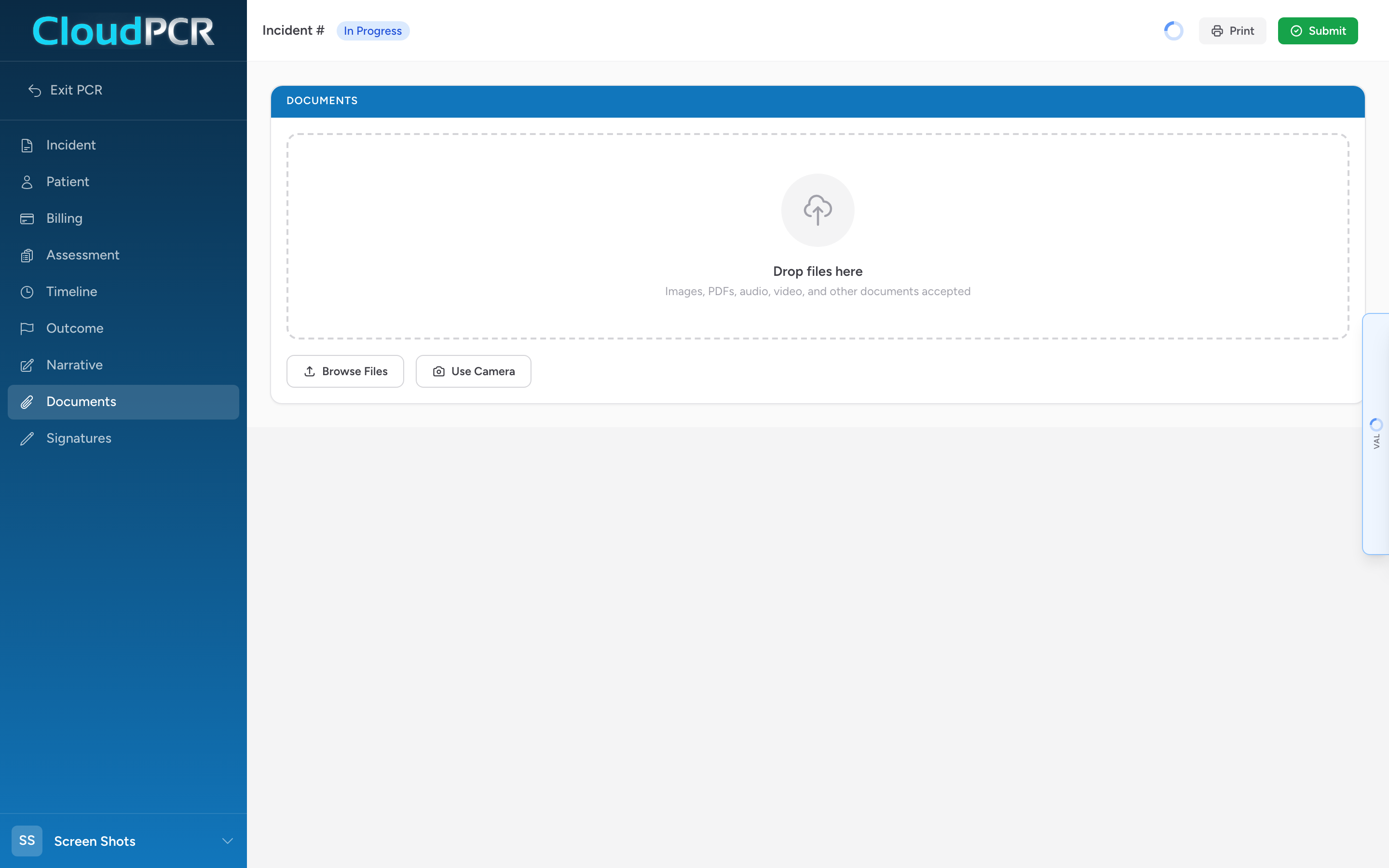
The Documents tab is for attaching files to a PCR. Anything that helps tell the story of the call belongs here.
What to attach
- Photos of a DNR, POLST, or living will.
- Photos of the scene when they matter (a smashed steering wheel, a bottle of medication).
- EKG strips and 12-leads from a separate device.
- Refusal forms with signatures.
- Any paperwork the patient hands you.
Attaching a file
- On the Documents tab, drag the file onto the Drop files here area, click the drop zone and pick Take Photo or Choose File, click Browse Files, or click Use Camera to capture a photo right then.
- A Document Details modal appears. Pick the External Electronic Document Type from the dropdown (required), adjust the file name if you want, and click Add Document.
- The file appears in the grid below with its name, type, and size.
Tips
- Images, PDFs, audio, video, and other documents are accepted.
- For DNRs and POLSTs, take a clear photo of the entire form including the signature line.
- For 12-leads, attach the strip even if your monitor uploads it separately. It guarantees the receiving physician has it.
- To remove a document, hover the thumbnail in the grid and click the red X button that appears in the top-right corner.