

How to get to CAD
CAD is part of the Unified Solutions suite, so you reach it the same way you reach every other Unified app — through the Unified Solutions sign-on portal.
Step by step
- Open your browser and go to sso.unified-apps.com.
- Sign in with your email and password.
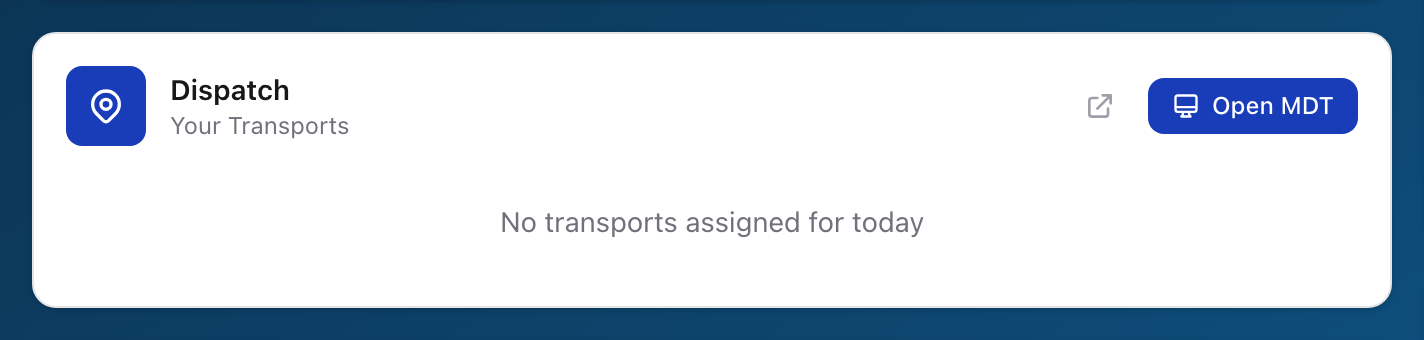
- You will land on the Unified Solutions dashboard, which shows a tile for every application your agency has access to.
- Find the Dispatch tile and click the open icon in the top right of the tile.
- CAD opens, already signed in. You will not need to sign in again.
What you see first
The first screen in CAD is the CAD dashboard — your real-time command center showing the map, your active units, and today's incidents. We walk through the dashboard in Finding your way around.
Tip: If your account belongs to more than one agency, pick the right one on the SSO sign-in page (click the Change button to switch) before clicking the Dispatch tile. CAD always opens into the agency you are currently signed in to.