

What this is for
Four dropdowns on the incident form are customizable:
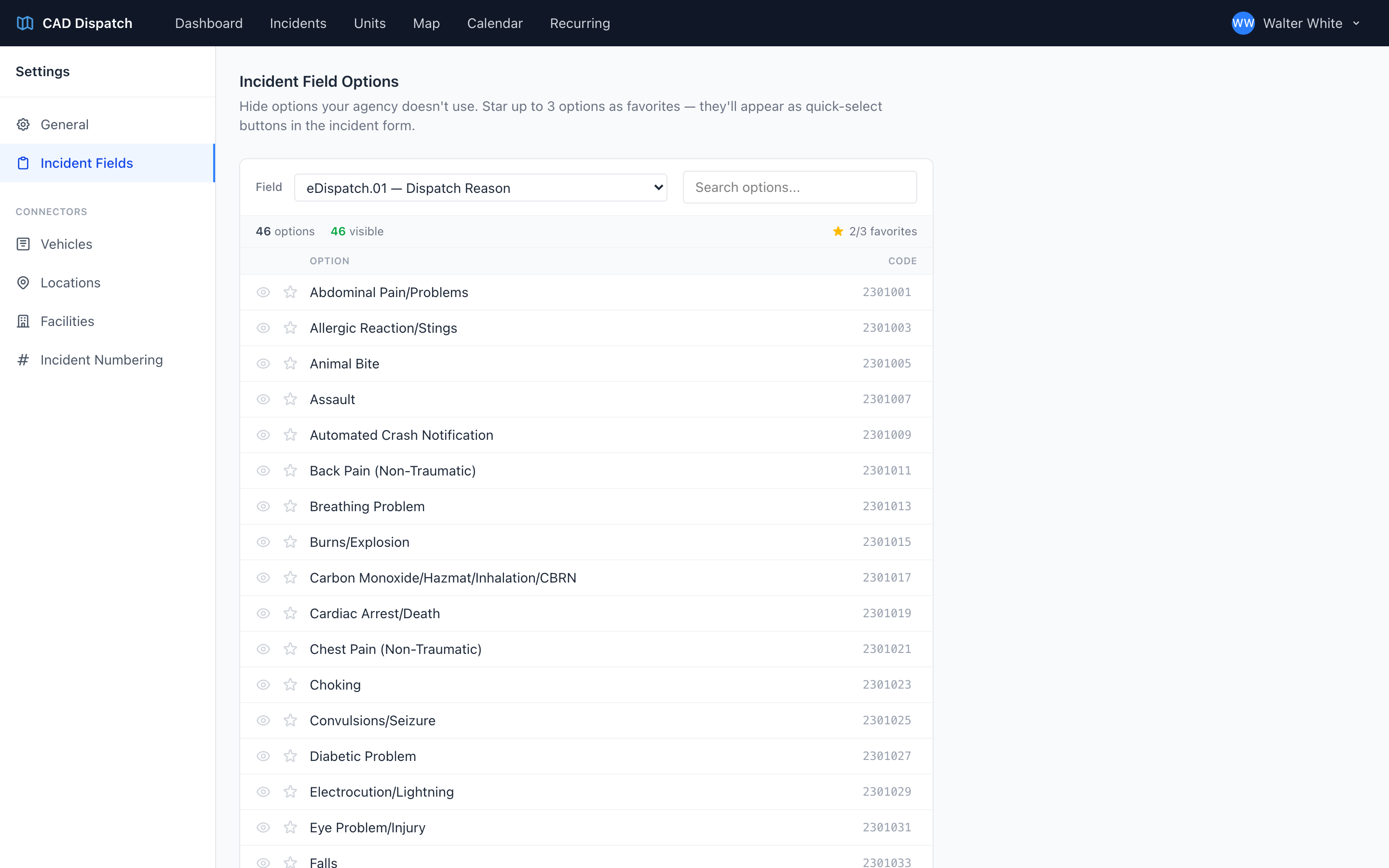
- Dispatch Reason
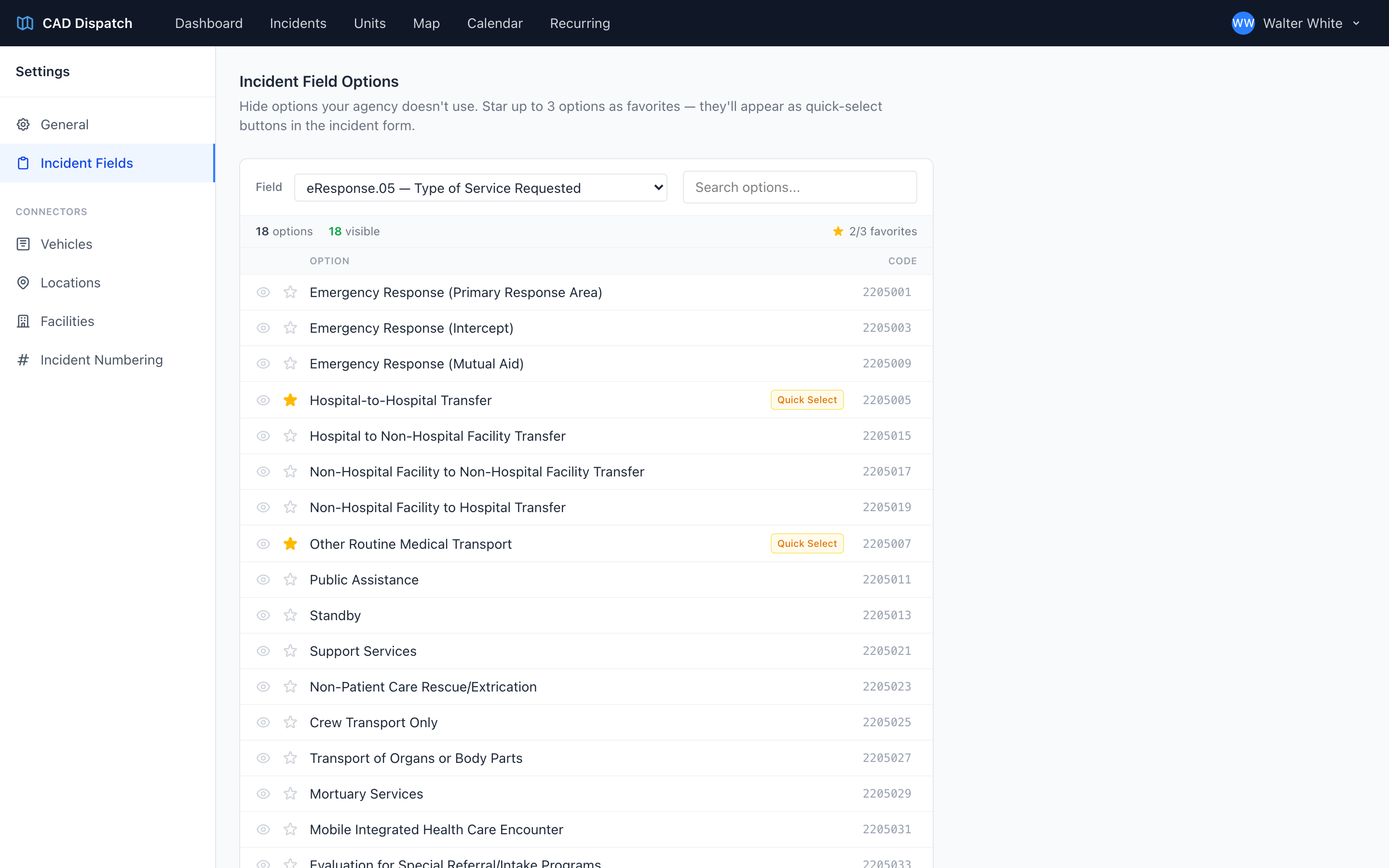
- Type of Service Requested
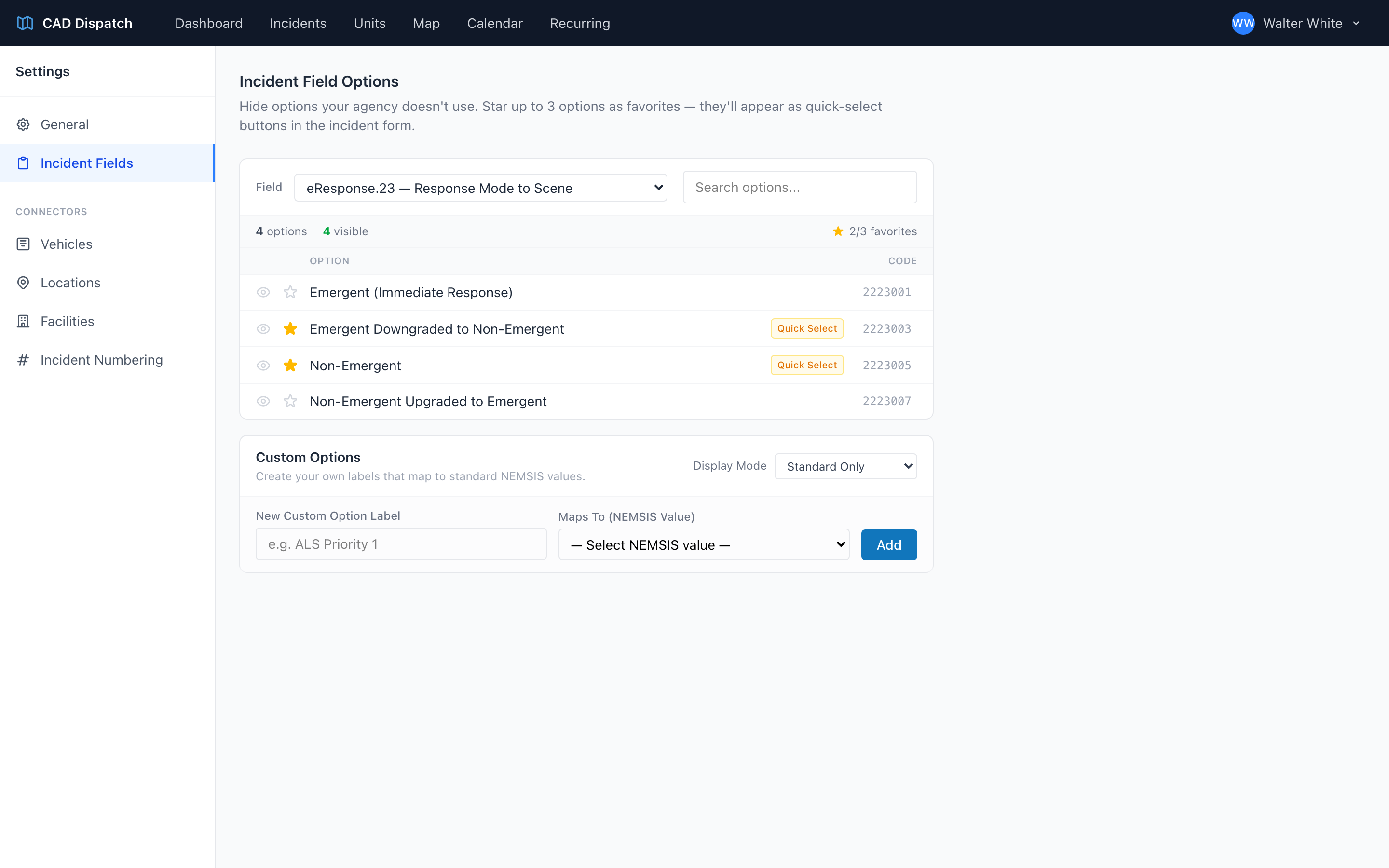
- Response Mode to Scene
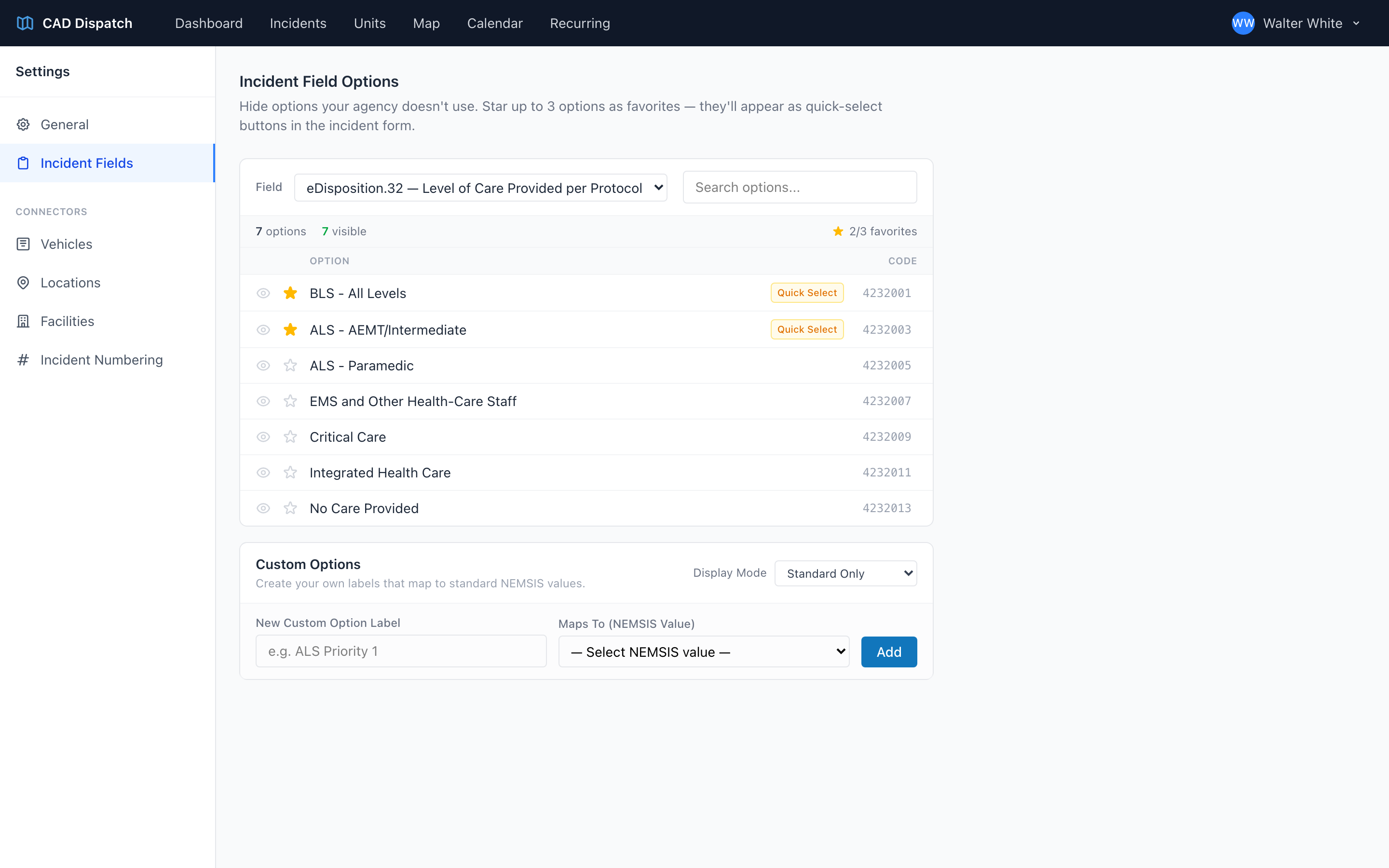
- Level of Care Provided per Protocol
Each one comes pre-loaded with the full national list of possible options — every value the data standard allows. Most agencies only use a small slice of that list, so two tools keep your dropdowns short and focused.
Dispatch Reason
Type of Service Requested
Response Mode to Scene
Level of Care Provided per Protocol
Hide
The eye icon hides an option from the dropdown. Hidden options never appear when you pick from the field. Use it to trim options your agency never uses so dispatchers do not have to scroll past them every time.
Favorite
The star icon marks an option as a favorite. You can favorite up to three per field. Favorites get a Quick Select badge and appear as quick-pick buttons in the incident form, so you can pick them with one click.
Step by step
- Open Settings from the user menu.
- From the Settings sidebar, click Incident Fields.
- Pick a field from the Field dropdown at the top.
- For each option, click the eye icon to hide or the star icon to favorite.
- Repeat for the other three fields.
The hide and favorite choices save as you click — there is no Save button for those.
Custom Options
Below the options list is a Custom Options panel. Use it to add your own labels that map to a standard NEMSIS value — for example, you could add a custom option labeled "Dialysis Run" that maps to the standard value your agency normally uses for dialysis transports. You can choose whether to show Standard Only, Custom Only, or Custom + Standard in the incident form for that field. Enter the label and the standard value it maps to, then click Add (or Update when editing one) to save it.
Take a few minutes per field. Hide what you never use. Favorite the three you reach for most. You will be faster every single shift.