
What a template is
A template is a list of drugs that should be stocked at a specific location, along with the expected quantities. Think of it as the "recipe" for what a properly stocked drug box looks like.
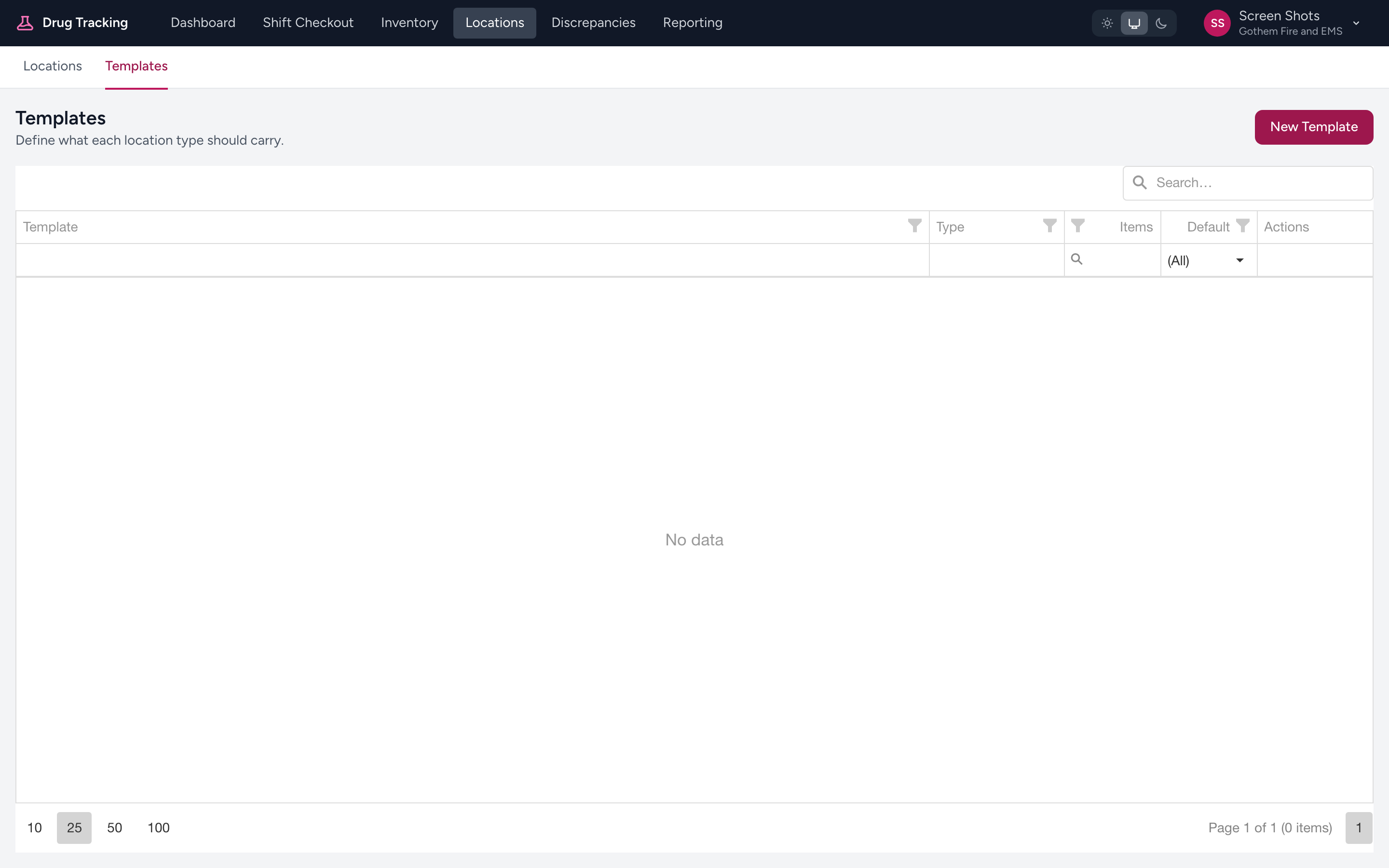
Admins manage templates from the menu: click Locations, then Templates. Click New Template to create one, or Manage on a row to edit it.
Par, minimum, and maximum levels
Each item in a template has three quantity settings:
- Par — the ideal quantity. This is what you are checking against during a checkout. If the template says par is 3, you expect to find 3 units.
- Minimum — the lowest acceptable quantity before the location is considered under-stocked. If you have fewer than this, the dashboard flags it.
- Maximum — the highest acceptable quantity. Anything above this is flagged as over-stocked.
Example
Your agency sets up a template for the Narcotics Tray on all front-line medic units:
- Fentanyl 100 mcg — par: 2, min: 1, max: 4
- Morphine 10 mg — par: 2, min: 1, max: 4
- Midazolam 5 mg — par: 2, min: 1, max: 4
- Ketamine 500 mg — par: 1, min: 1, max: 2
During a checkout, the system shows these expected quantities alongside the actual counts you enter. If you have 0 Midazolam, the system knows you are below the minimum and flags it.
Standardized stocking
Templates let your agency standardize what every unit carries. Instead of each crew stocking their ambulance differently, everyone follows the same template. This means a medic who floats between units always knows what to expect.
Who manages templates
Templates are set up and maintained by your agency admin. If you think a par level is wrong — say, you keep running out of Fentanyl because the par is set too low — let your admin know so they can adjust it.
Tip
If you are an admin setting up templates for the first time, start with your most common unit type (e.g., ALS ambulance) and get that right before tackling specialty vehicles. You can always copy and adjust templates later.