
What admins see
If you have an admin role, your dashboard includes an Active checkouts card that lists every checkout currently in progress across your agency, no matter who started it, plus Par status, a usage chart, and expiring-stock counts.
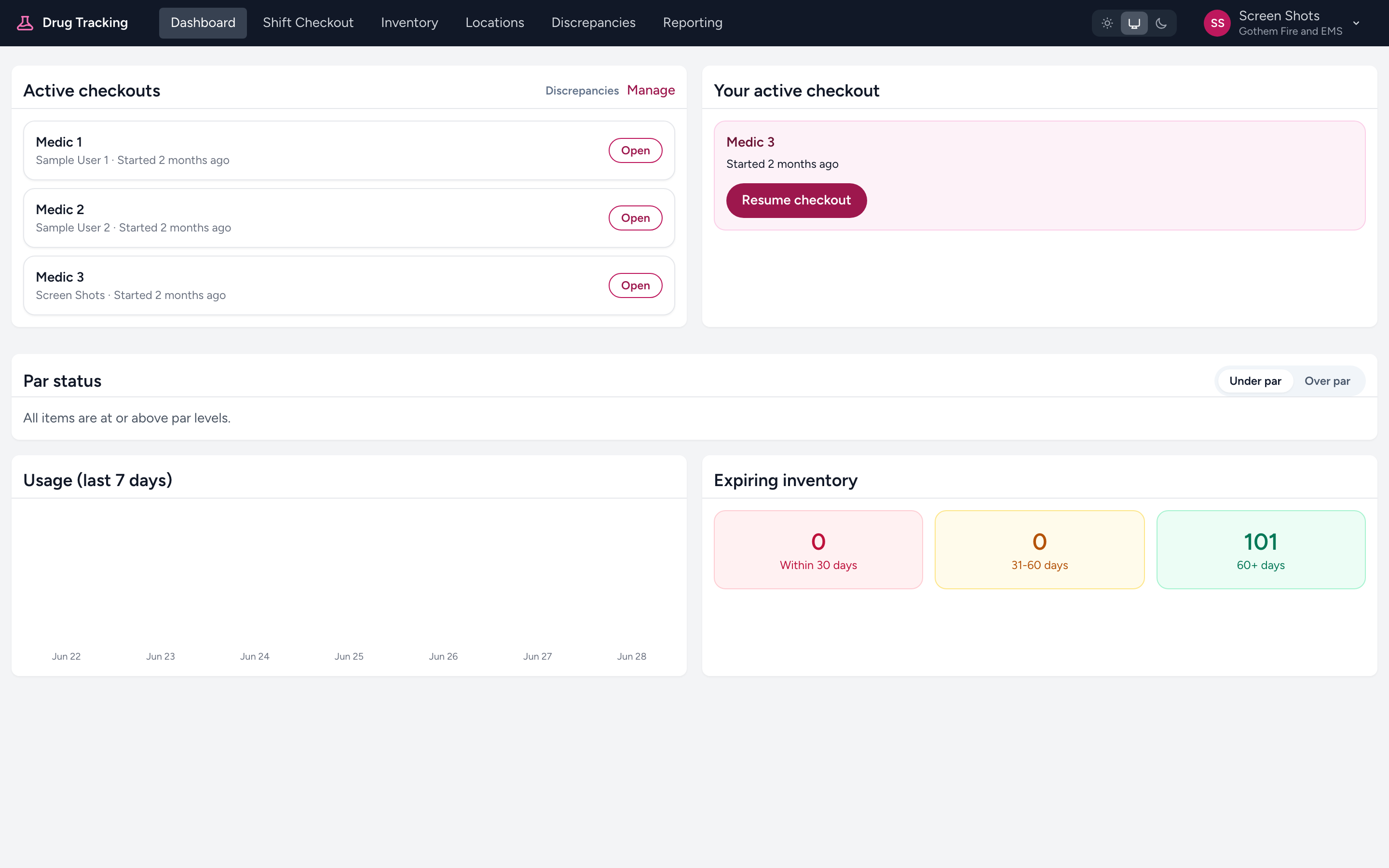
Each entry shows the location, the crew member, and when the checkout was started. An Open button takes you to the Manage Checkouts screen. The card header also links to Discrepancies and Manage.
Why this matters
Supervisors often need to know whether a particular ambulance has been checked before it goes in service. Instead of calling the crew, you can look at the dashboard and see whether their checkout is still in progress.
Example
You are the on-duty supervisor. Shift change was 30 minutes ago, but Medic 3 has not reported in. You open Drug Tracking and see that Medic 3's crew started a checkout 25 minutes ago and it is still in progress. They are working on it — no need to call them.
Non-admin users
If you are not an admin, the dashboard only shows Your active checkout — the single checkout you have open yourself. You will not see checkouts started by other crew members, and you will not see the par status, usage, or expiry cards.