

Why it matters
Time zone is the most important setting in CAD because it controls how every date and time across the system is interpreted. Today's incidents on the dashboard, scheduled pickup times, and the calendar all rely on it.
Set this correctly before you do anything else — unit templates, incident creation, or recurring schedules. If you change it later, everything you entered with the old zone still behaves correctly, but it is cleaner to get it right up front.
Step by step
- Click your initials in the user menu.
- Click Settings.
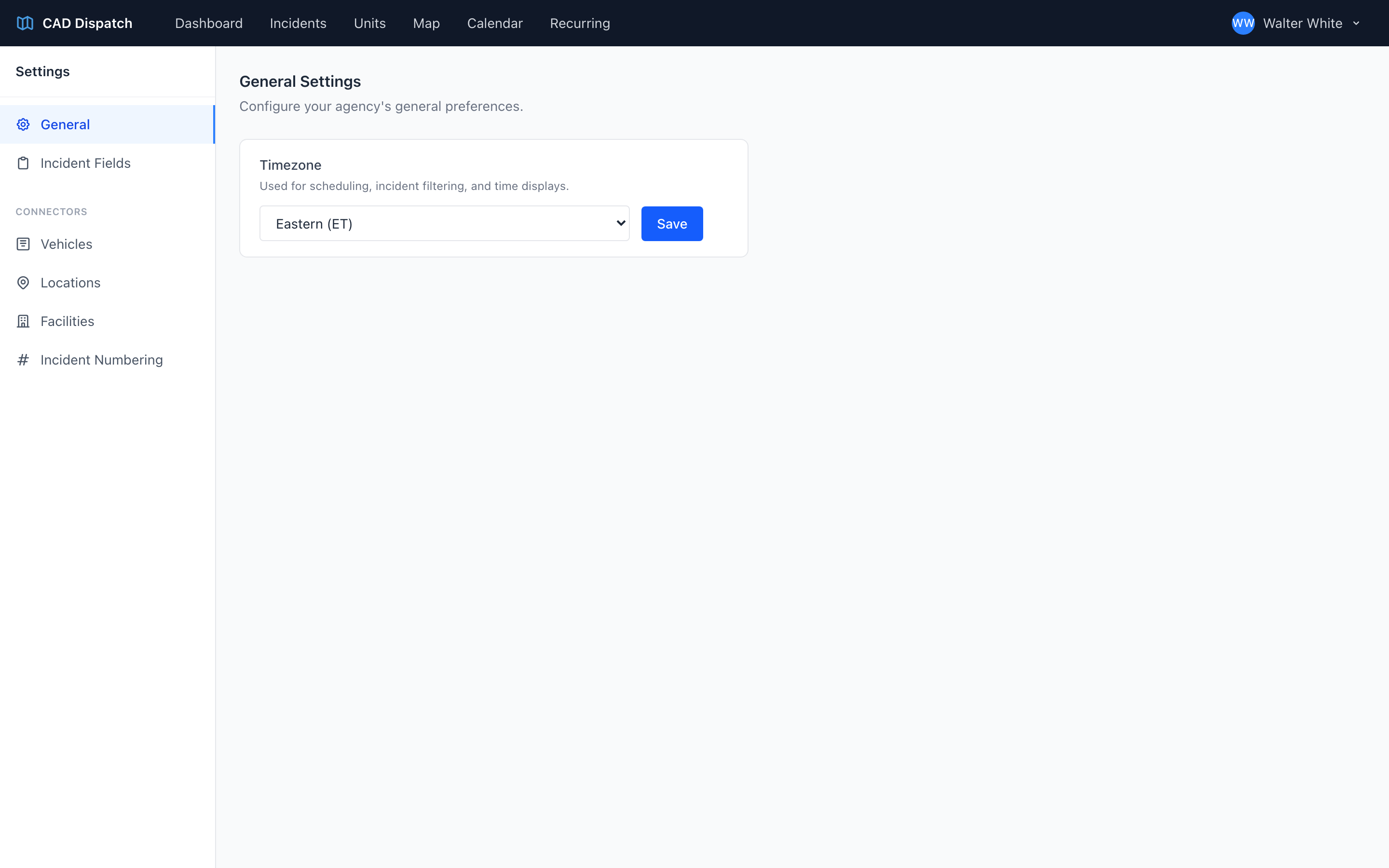
- The General section is open by default.
- Pick your operational time zone from the dropdown.
- Click Save.
Available time zones
- Eastern (ET)
- Central (CT)
- Mountain (MT)
- Mountain - Arizona (no DST)
- Pacific (PT)
- Alaska (AKT)
- Hawaii (HST)
Tip: The time zone you pick here is the one your whole agency uses, not just your dispatch station. Dispatchers in multiple locations still see all times in the agency's operational zone.