
We ship changes to the apps every week. What's new is where you find out what changed without reading release notes.
Opening it
- On the dashboard, click What's new (the button with the sparkle, next to the bell).
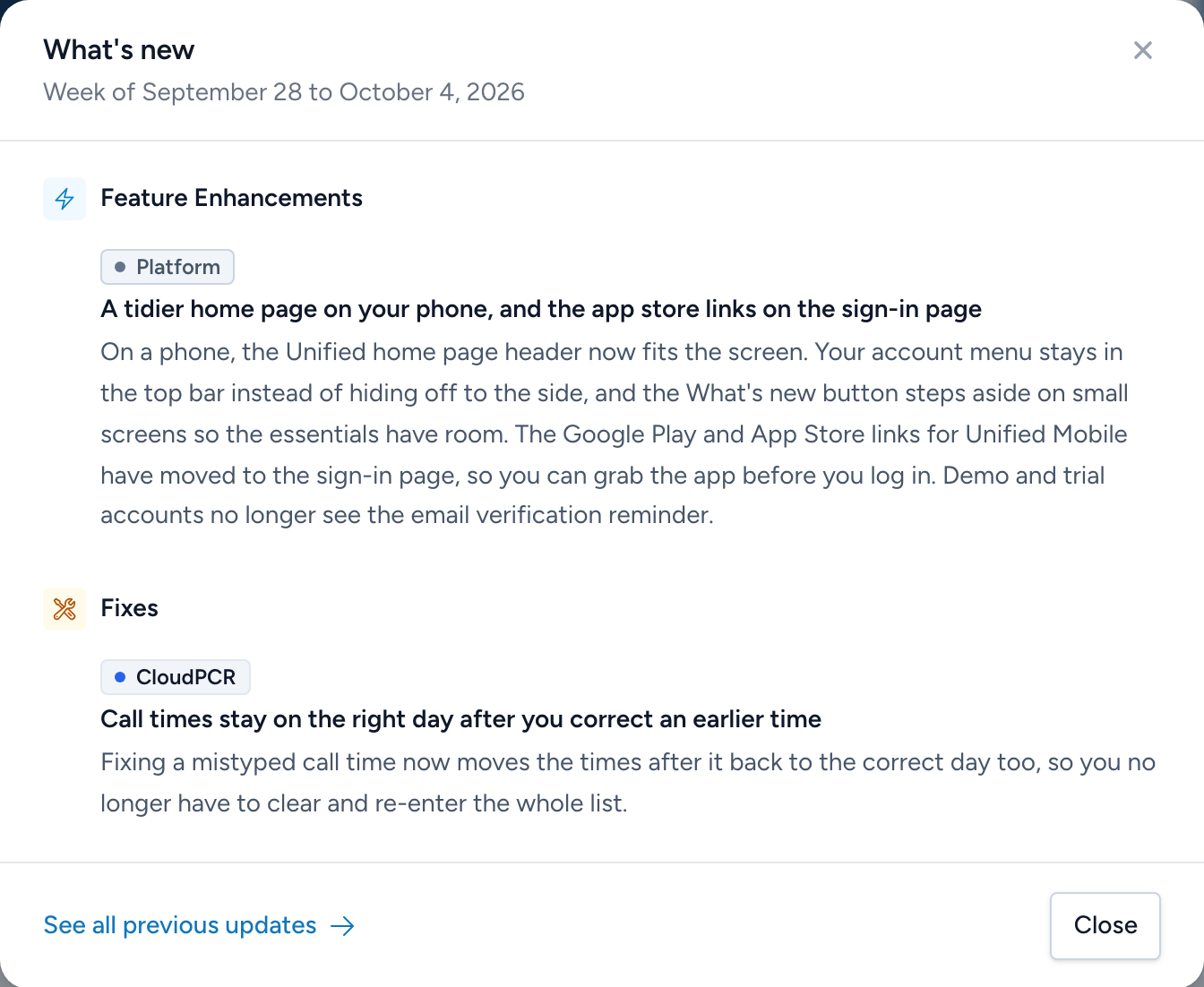
- A window opens with the dates of the current week at the top.
Reading it
Updates are grouped under New Features, Feature Enhancements and Fixes. Each one has a tag naming the app it applies to, such as CloudPCR or Analytics; changes that affect everything are tagged Platform.
The window covers Monday through Sunday of the current week. Early in the week it may say Nothing new yet this week. That's normal.
Older updates
Click See all previous updates at the bottom of the window to open the full changelog, with every update by week.
On a phone the button is hidden to save space. Open sso.unified-apps.com/changelog to read the same updates.