
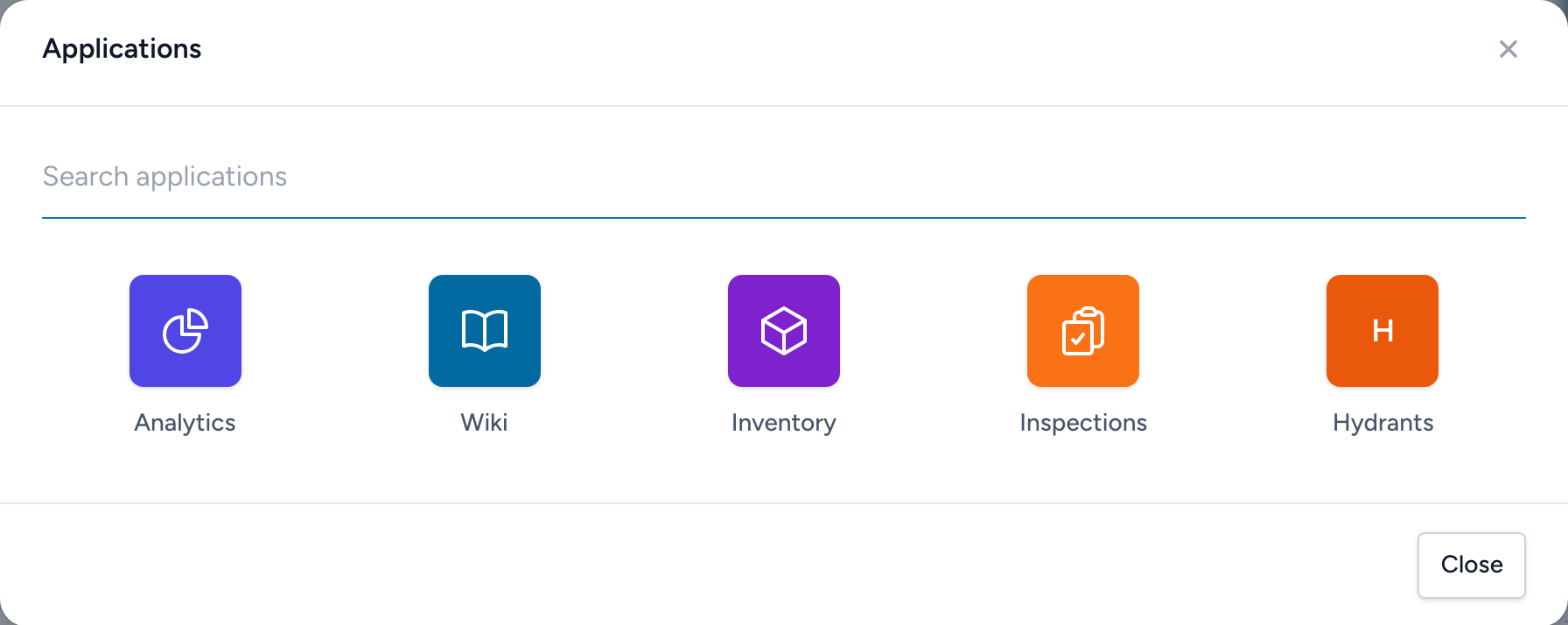
The app launcher is a quick way into any app when you know its name. It lists every app you can open, with a search box on top.
Opening the launcher
- Click the grid button (four small squares) next to the bell at the top of the dashboard, or
- press Ctrl+K on Windows, or Cmd+K on a Mac, while you're on the dashboard.
Finding an app
- Start typing the app's name in Search applications. The list narrows as you type.
- Click the app, or press Enter to open the first one in the list.
The app opens in the same tab, already signed in. Press Esc to close the launcher without opening anything.
An example
You're on the dashboard and need Truck Checks. Press Ctrl+K, type tru, press Enter. Three keys and you're in.
If you type something that matches nothing, the window says No applications found. Check the spelling, or clear the box to see the full list.