
When your agency stops using a form, retire it. Delete is only for a form that was never published.
Retiring a form
- Open the form from the Forms page.
- Click Retire this form, then Retire.
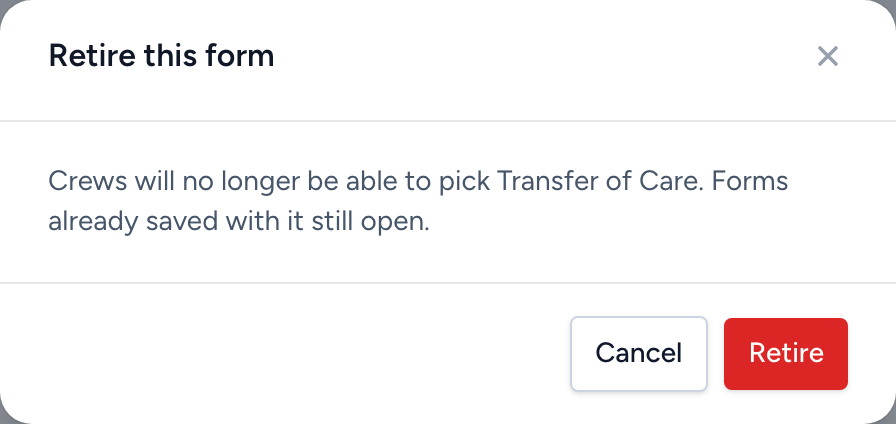
- Crews can no longer pick it on a chart.
- Forms already saved with it still open, from the chart, exactly as they were saved.
- The form stays in your list, marked Retired.
To bring a retired form back, click Make changes and publish the new version.
Deleting a form
A form that has never been published can be deleted, because no one has used it. Open it and click Delete this form, then Delete. Its drafts and files go with it.
Once a form has been published, there is no delete button. Retire it instead.
Library forms
You do not retire or delete a library form. You remove it from your forms. See Moving to a newer library version, or removing it.